Regions from Google Maps: pick a template or click the map
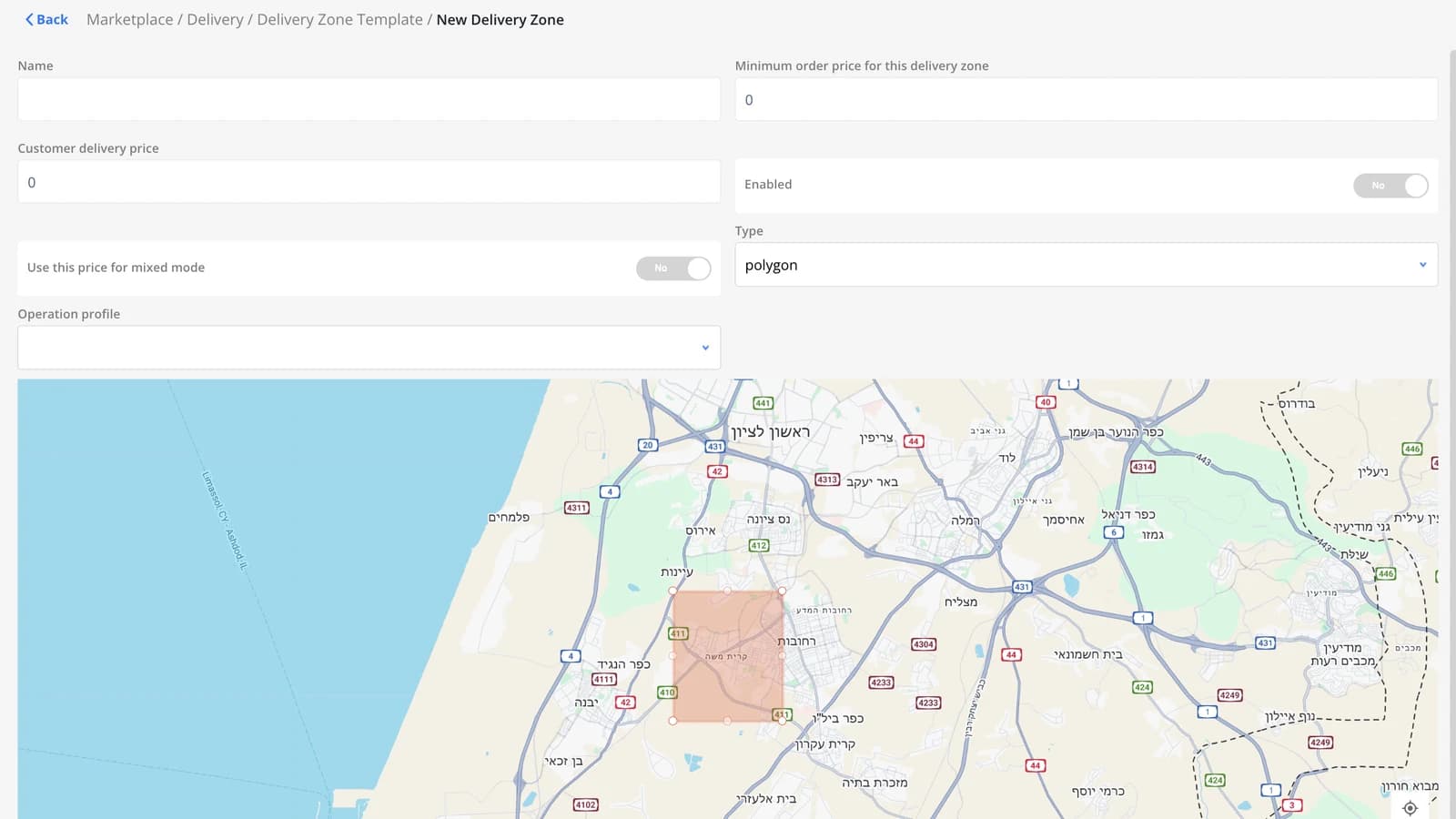
The Regions screen has a new button for choosing a template. Open it and you'll find regions that are already drawn, with their boundaries taken from Google Maps.
Pick regions from a template
Until now, every region in DelivApp was drawn by hand: you add a region, then drag the points of its outline on the map until the shape fits. A template gives you the boundaries ready-made. It's a set of regions, each already drawn on the map based on Google Maps, and you choose the ones you need.
Or click the map
You can find the region you need in the template's list. If you'd rather not search, click a point on the map instead. DelivApp selects every region that covers that point.
A point can fall inside more than one template region, so a single click can select several at once: every region the point falls inside, and only those.
What regions do in DelivApp
Regions are the delivery areas a business works in, and a lot of DelivApp's configuration hangs off them:
- Delivery time and dispatch. Each region has its own maximum delivery time and, if you work with control centers, a default control center.
- Delivery prices. Prices for each merchant can be set per region. See Merchant delivery cost settings.
- Courier pay. Courier delivery fees can depend on both the delivery region and the pickup region. More in our earlier update.
- Orders from outside your area. An order from outside your regions can be highlighted and handled manually, if that's turned on in General Settings.
For the full setup, read Setting up delivery regions and Understanding delivery zone levels.
Also shipped: new payment method icons
The payment method icons have been redrawn. The new set covers card, bank transfer, cash, Google Pay, Apple Pay, voucher, discount and bonus.
Which payment methods are offered is set for the whole marketplace or for each business separately. The guide is here: Configuring payment methods.
About DelivApp
DelivApp is ordering and delivery technology plus a delivery network, sold white-label to restaurants, chains and delivery companies. The platform covers online ordering and loyalty, order aggregation and dispatch, access to 20+ delivery providers and delivery management, and every module is configured to the way the business works. More than 3,000 restaurants are connected to DelivApp, which was founded in 2014.
Want to see how this works with your own regions? Book a free consultation.
Related reading

Sales analytics, refreshed: every number against the last period
How did this week go against the last one? Sales analytics answers in one look: every number next to the period before, the channels that bring orders and revenue, every branch with its change, and one filter for the whole page.

Reprice your whole menu in one file: export, edit, import
A new price list for the whole menu is now one file: export, update, import, and the whole menu changes at once. Plus a Wolt menu priced on its own terms, and the whole network at a glance.
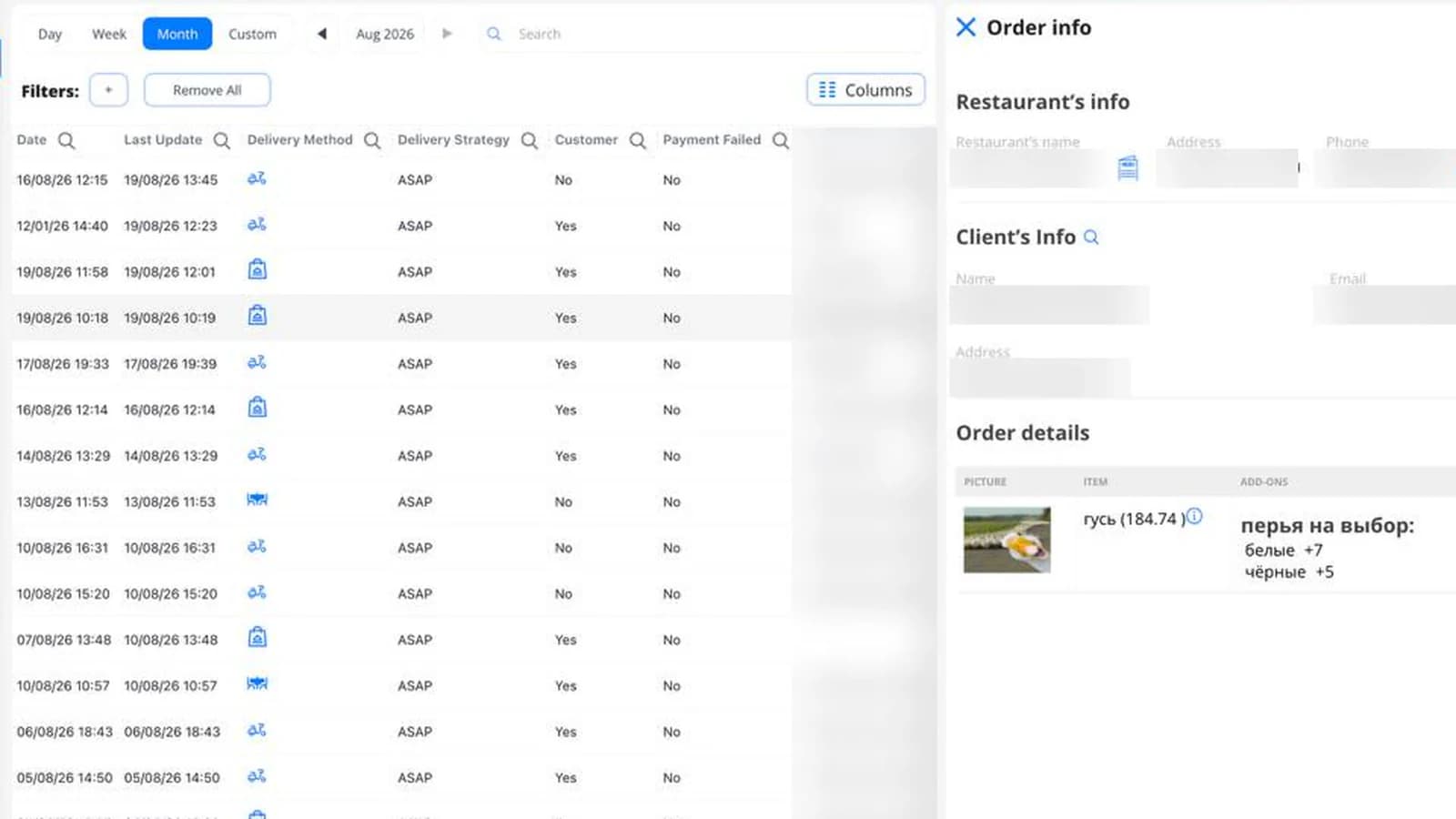
The carts that never became orders now have a screen of their own
Until now, a cart that stopped short of confirmation showed up nowhere. Now it has a screen — including a column for when it was last touched. Plus: courier pay rules can now depend on the pickup region.