Sales analytics, refreshed: every number against the last period

How did this week go against the last one? Analytics › Sales now answers in one look: every number sits next to the period before, the charts show which channels bring the orders and the revenue, and one filter narrows the whole page to a single provider, channel or branch.
Every number, next to the period before
Whether the week went well is the first thing a manager wants to know, and the answer now sits at the top of the page. Each figure shows how far it moved and what it was in the previous period, in green when it moved the right way and in red when it didn't, so a drop stands out before anyone goes looking for it.
The tiles cover Successful orders, Cancellation rate (with the number of cancelled orders), Revenue, Money collected, Avg. order, Total discounts (with the discount rate) and Due from customers. Pick Day, Week, Month or a Custom range, step back with the arrows, and every tile and chart follows. Data as of shows when the numbers were last updated.
Which channels bring the orders, and the revenue
A shift in demand between your own app and a marketplace shows up on one chart, day by day, without exporting anything. Managers see which channels carry the orders and which carry the revenue.
Sales by Day has three views: Totals (successful orders and revenue together), Orders by source and Revenue by source, with each source stacked in its own colour. Next to it, Payments by Method splits revenue by credit card, bonus, cash and discount. Four pie charts break sales down by source, by direct channel (Android, iOS and web), by delivery type and by card wallet, such as Apple Pay and Google Pay.
The sources are your own site and apps alongside connected channels such as Wolt and 10bis. How DelivApp brings them into one order flow is covered in Orders Aggregation & Dispatch.
Every branch, side by side
A chain sees at once which branches are growing and which are slipping. Each branch's figures carry their own change against the previous period, so the branch that needs a call is easy to spot.
Sales by Branch lists every branch with Successful orders, Total revenue, Items sold, Total discounts and Cancellation rate, each with its change; click a column to sort by it. Below it, Products ranks items by Product revenue for each business, and Frequently Bought Together lists the pairs of items that most often end up in the same order.
One filter for the whole page
To see how one marketplace, one channel or one branch is doing, set a filter once and the whole page answers for it.
Filters narrows the page by Territory, Depot, Order Provider, Order Channel and Delivery Type, with several values allowed in each. After Apply, the tiles, their comparisons and the charts recalculate, and a badge on Filters shows that a filter is on; Reset All clears it. For the orders themselves, one row per order, download the orders report: Extracting orders report.
Also shipped: who was open for orders, and for how long
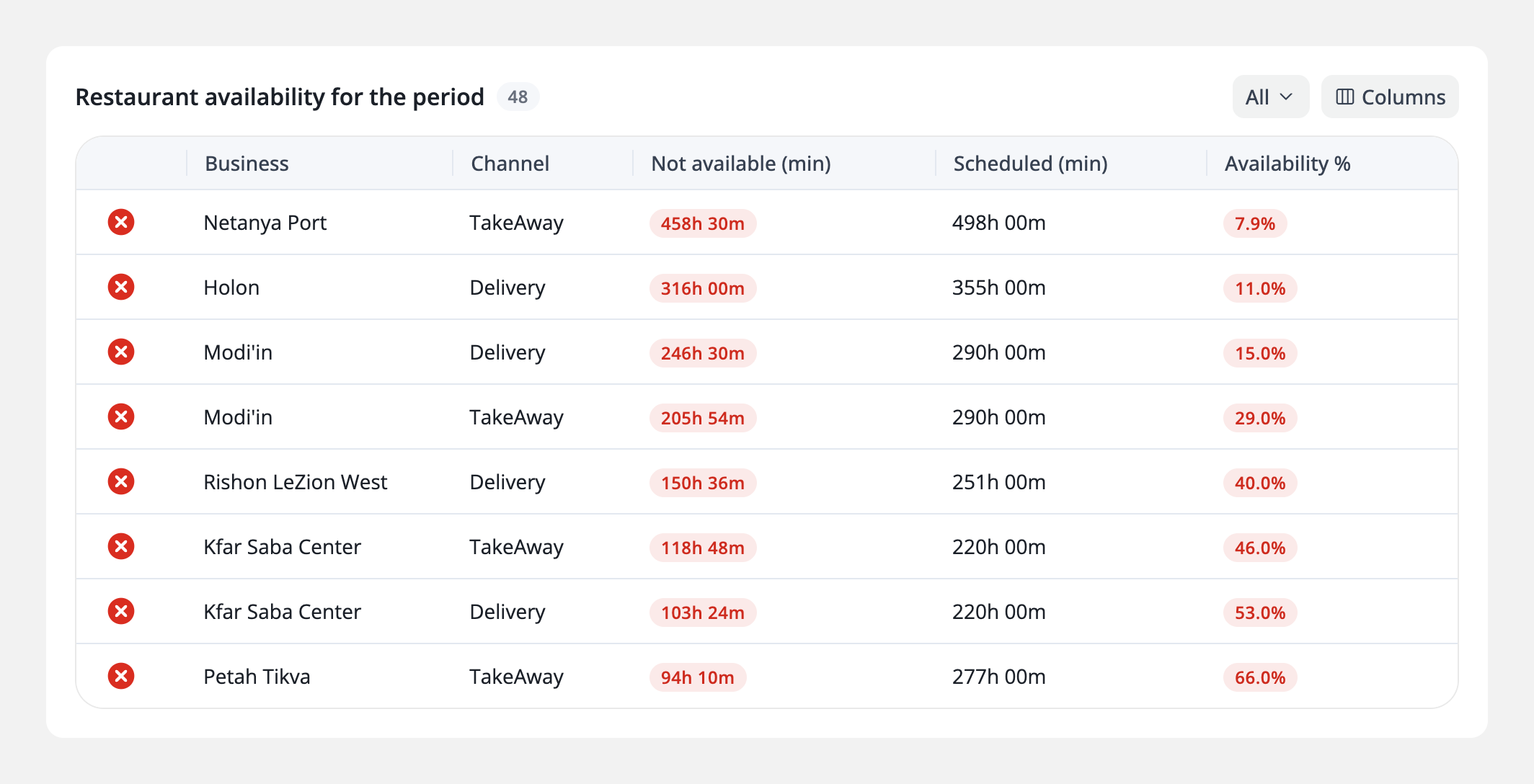
A location that went offline during its opening hours is easy to miss after the fact. Now a manager sees, for any period, how long each location was actually open for orders against the time it was scheduled to be, the longest gaps first.
Restaurant availability for the period, in Analytics › Availability, lists every business and channel (Delivery or TakeAway) with Not available (min), Scheduled (min) and Availability %, the share of its scheduled time it was open. It follows the period you pick at the top of the page. Next to it is the live status of every business, redesigned earlier this month: the whole network at a glance.
About DelivApp
DelivApp is ordering and delivery technology plus a delivery network, sold white-label to restaurants, chains and delivery companies. The platform covers online ordering and loyalty, order aggregation and dispatch, access to 20+ delivery providers and delivery management, with analytics for sales, availability, logistics, consumer behaviour and payments. Every module is configured to the way the business works. More than 3,000 restaurants are connected to DelivApp, which was founded in 2014.
Want to see Analytics › Sales on your own numbers? Book a free consultation.
Related reading

Reprice your whole menu in one file: export, edit, import
A new price list for the whole menu is now one file: export, update, import, and the whole menu changes at once. Plus a Wolt menu priced on its own terms, and the whole network at a glance.
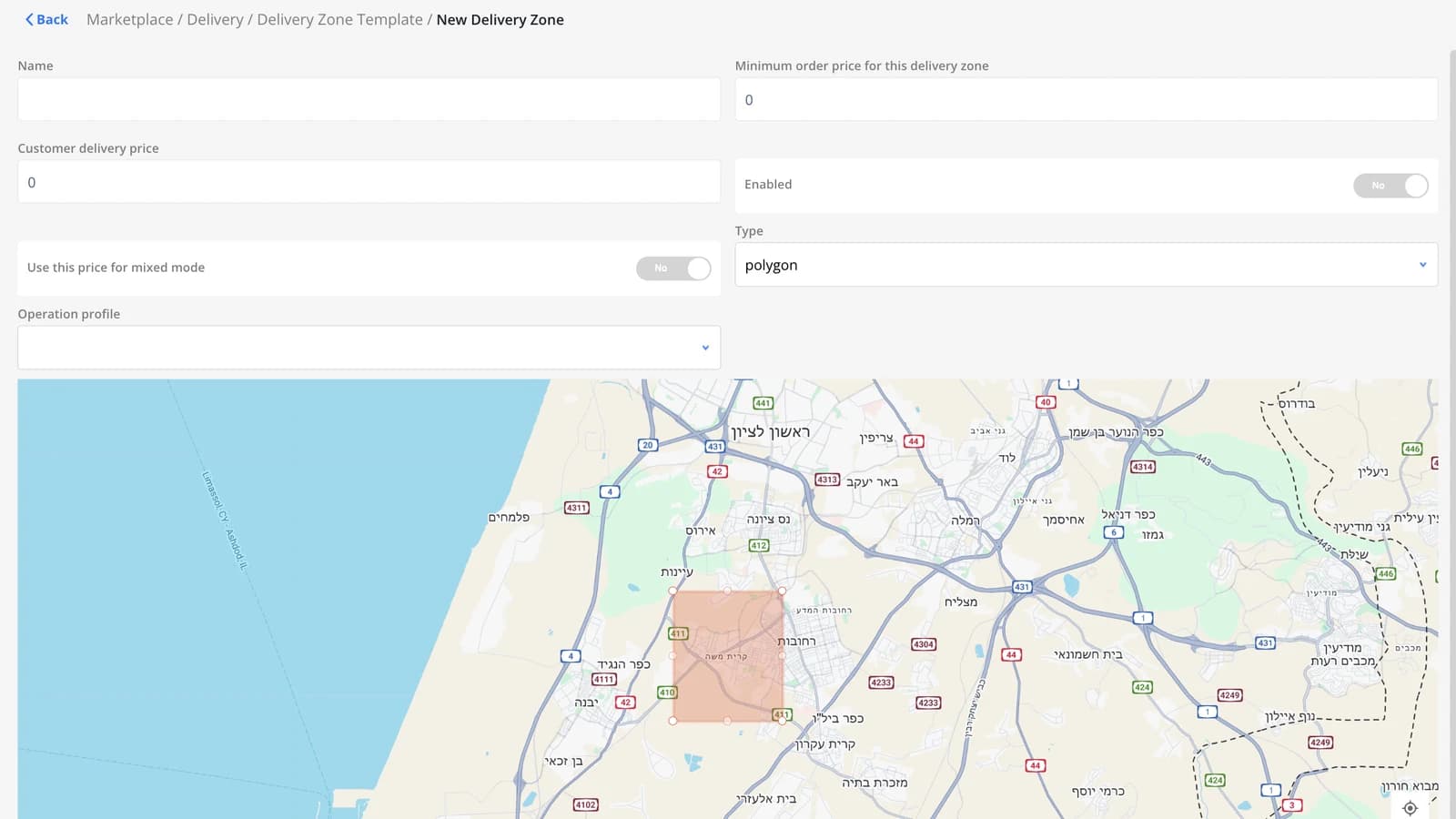
Regions from Google Maps: pick a template or click the map
The Regions screen now has a template of regions already drawn from Google Maps. Don't feel like searching the list? Click a point on the map and every region covering it is selected. Plus: new payment method icons.
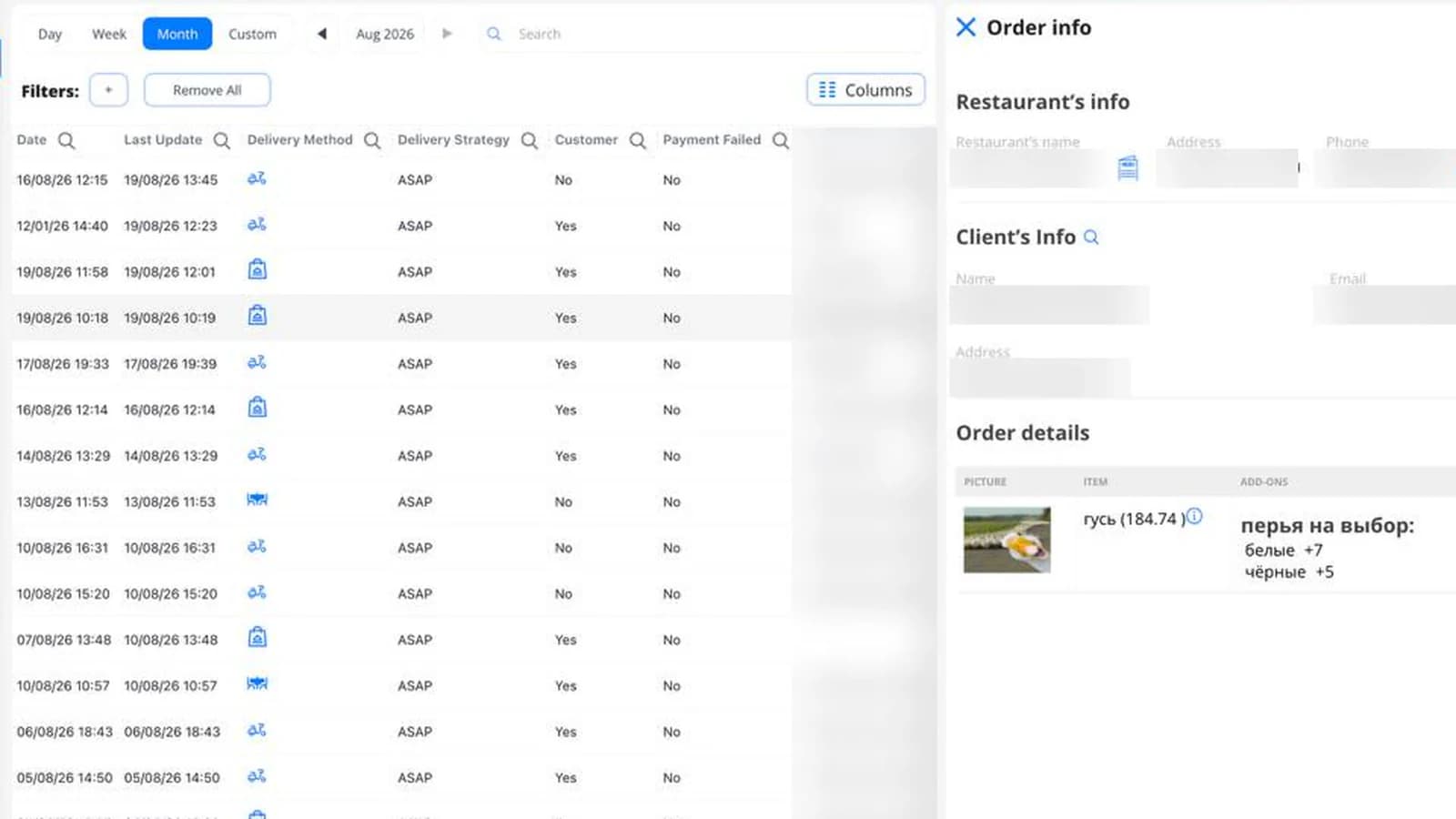
The carts that never became orders now have a screen of their own
Until now, a cart that stopped short of confirmation showed up nowhere. Now it has a screen — including a column for when it was last touched. Plus: courier pay rules can now depend on the pickup region.