Creating orders via Business App
Creating orders on DelivApp is now simpler, you can bypass the system or Telegram by using our Business App.
How to turn on the feature
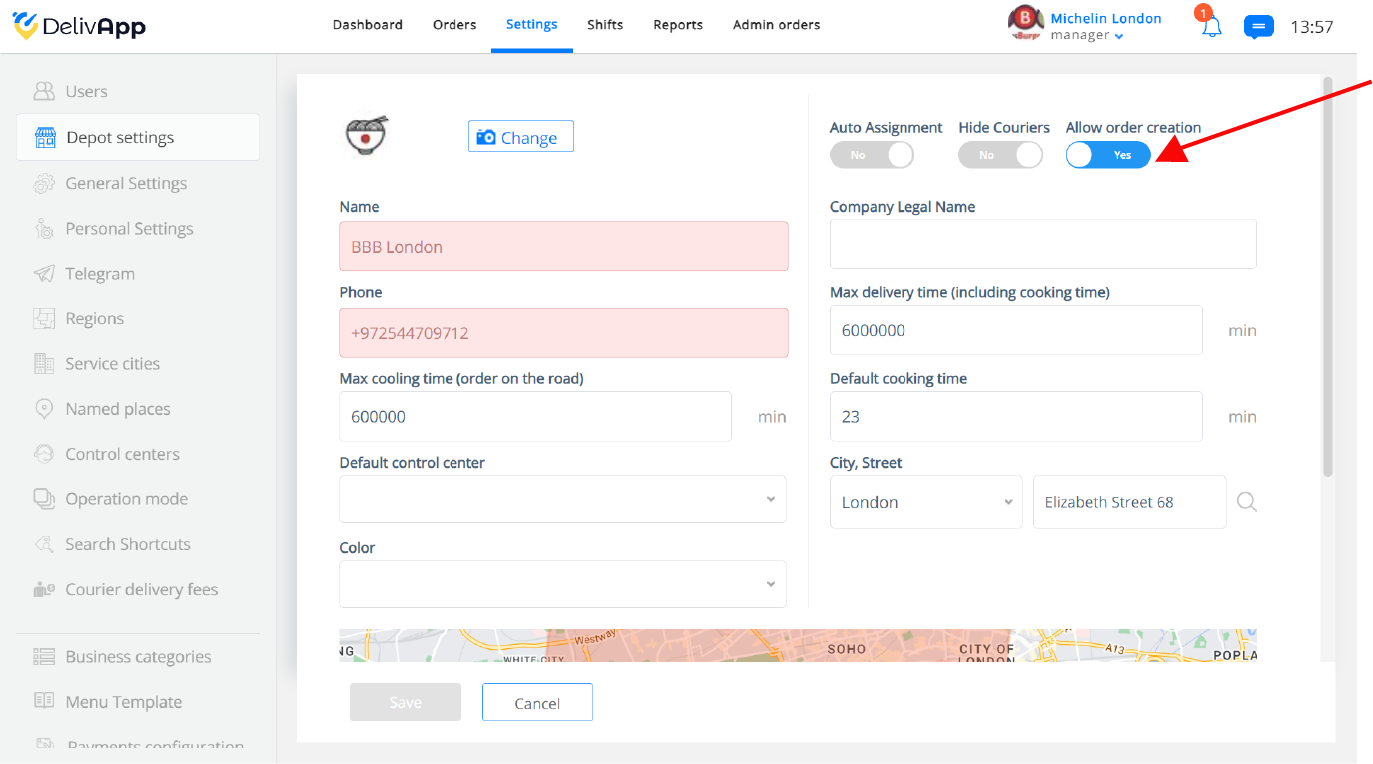
There are two ways to make sure your business has the Order Creation feature for the Business App. You can ask for a global activation by sending us an e-mail to help@delivapp.com, you can also activate this feature for every individual business by clicking on the Settings tab on the upper navigation panel (screenshot 1) and then clicking on Depot Settings and selecting the editing icon of the business you need to modify (Screenshot 2).
It might be necessary to log in and out of the business app to see the changes reflected.
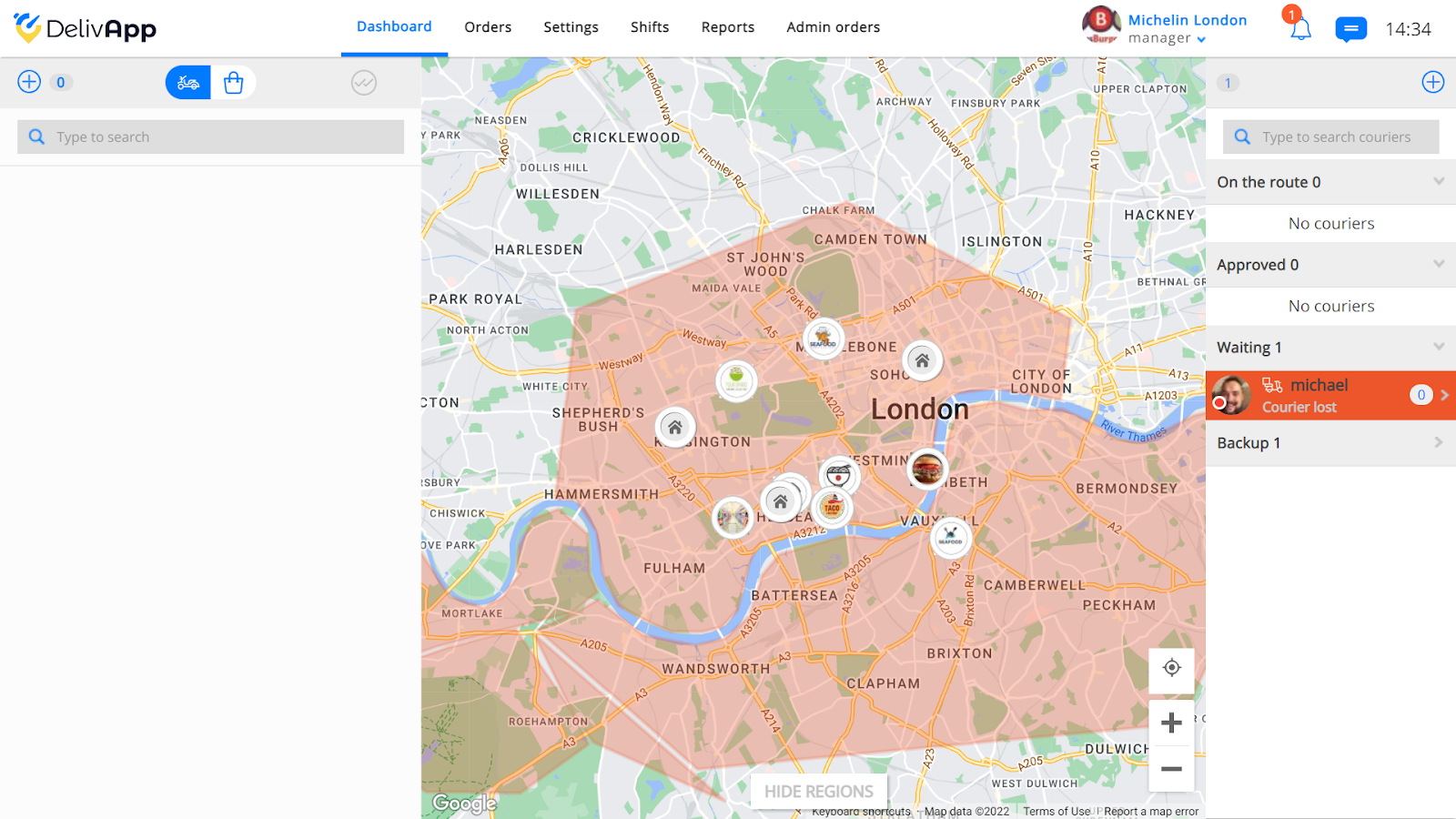
(screenshot 1)
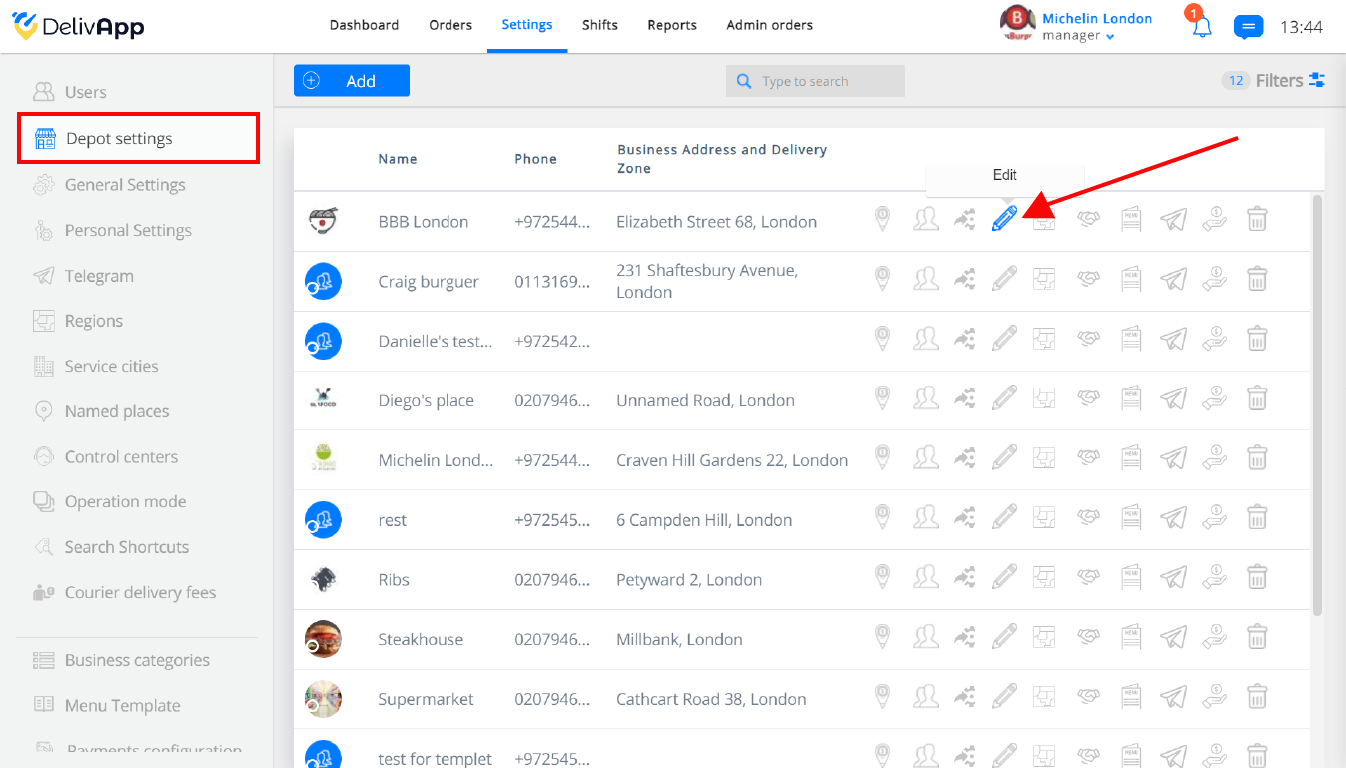
(screenshot 2)
Once inside the editing screen, all you have to do is to make sure that the Allow order creation toggle is on.
How to create an order via Business App
Create an order quickly through our order app following this simple steps:
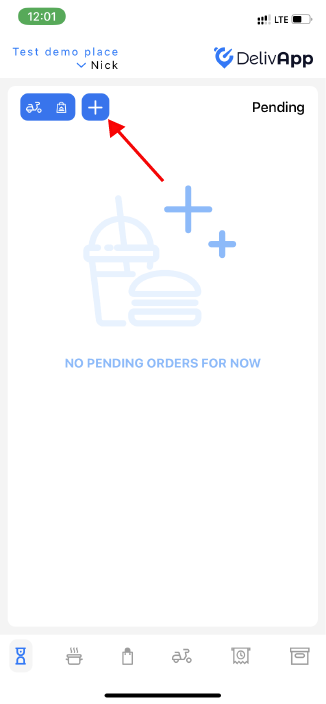
- Tap on the plus button on the home screen
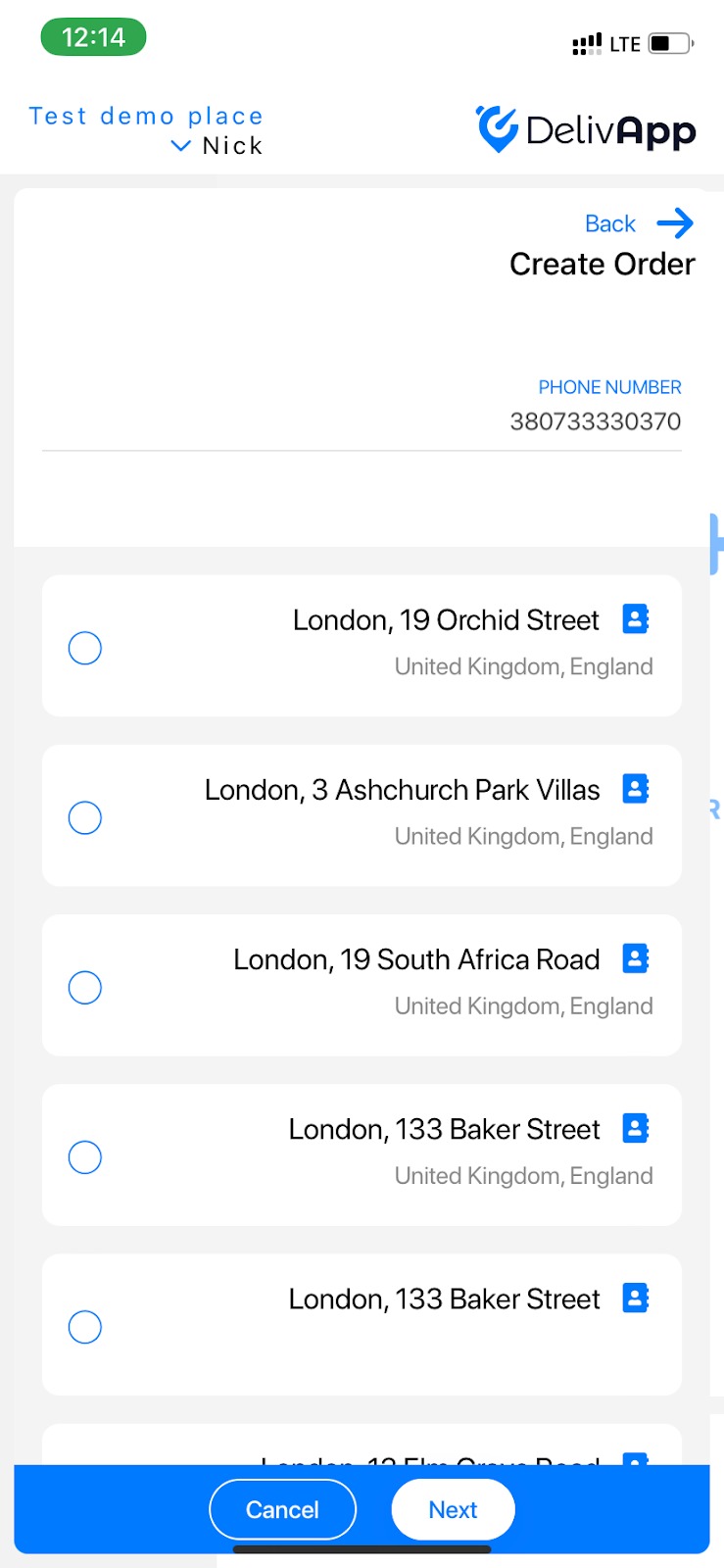
- Add the phone number and select the address for the delivery.
*The address will appear if orders have been made from this phone number before
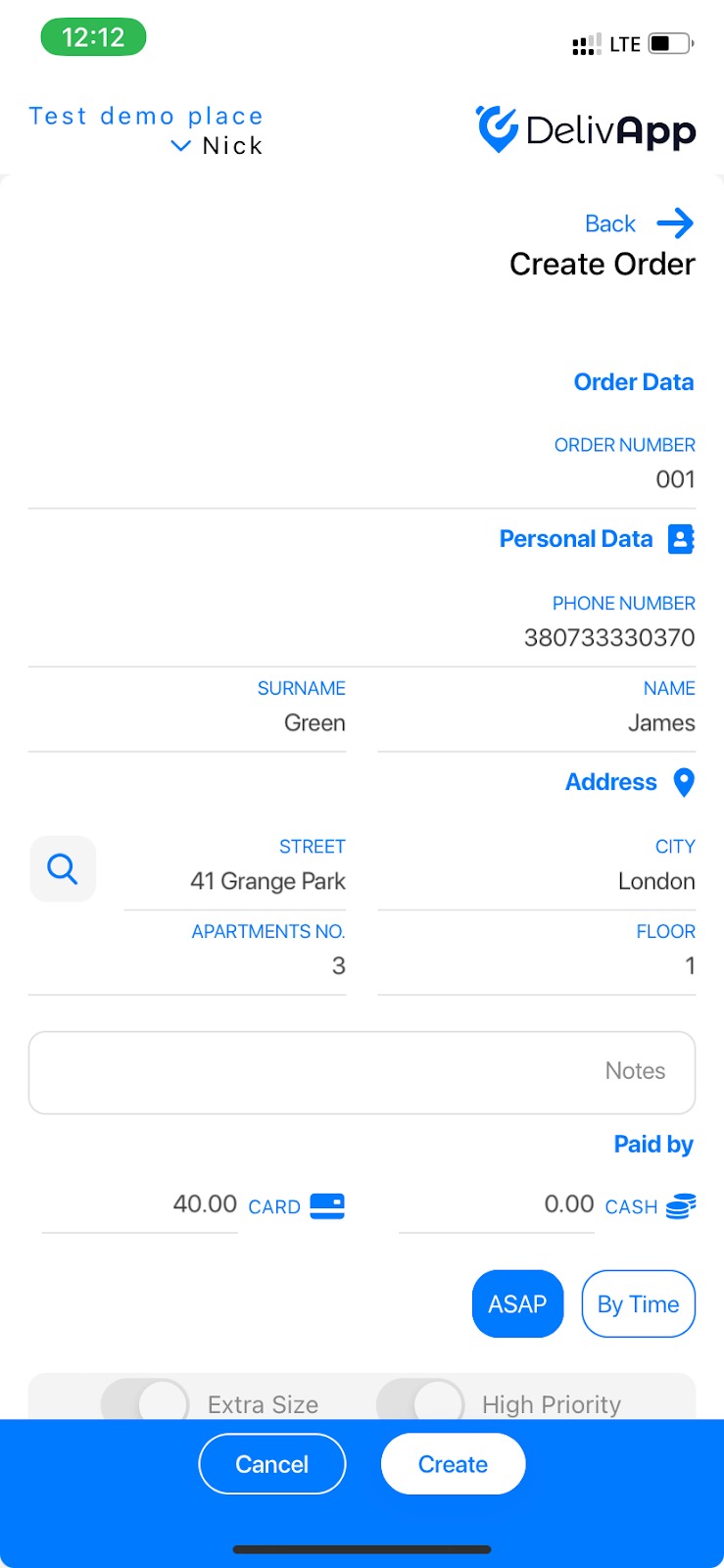
- Add all the details of the delivery:
Order number - the ID of the order
Surname and Name - of the client
Address - of the delivery
Paid by - card/cash
ASAP - Deliver as soon as possible
By time - select a specific date and time for the delivery
Extra size - If the delivery exceed the average size
High priority - The algorithm will automatically set this order to deliver as soon as possible
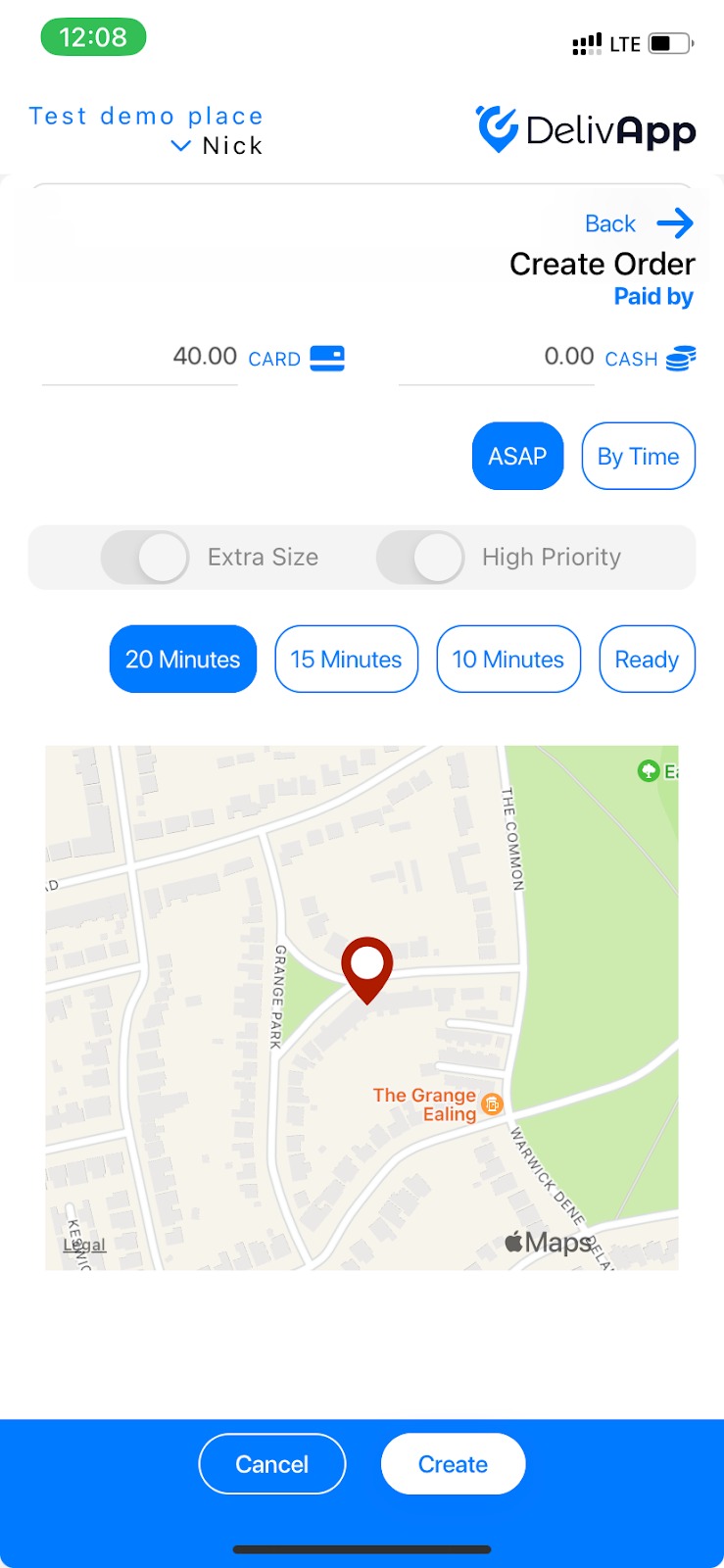
- Enter your address or select it on the map, if you didn't choose or didn't have an address in step 2
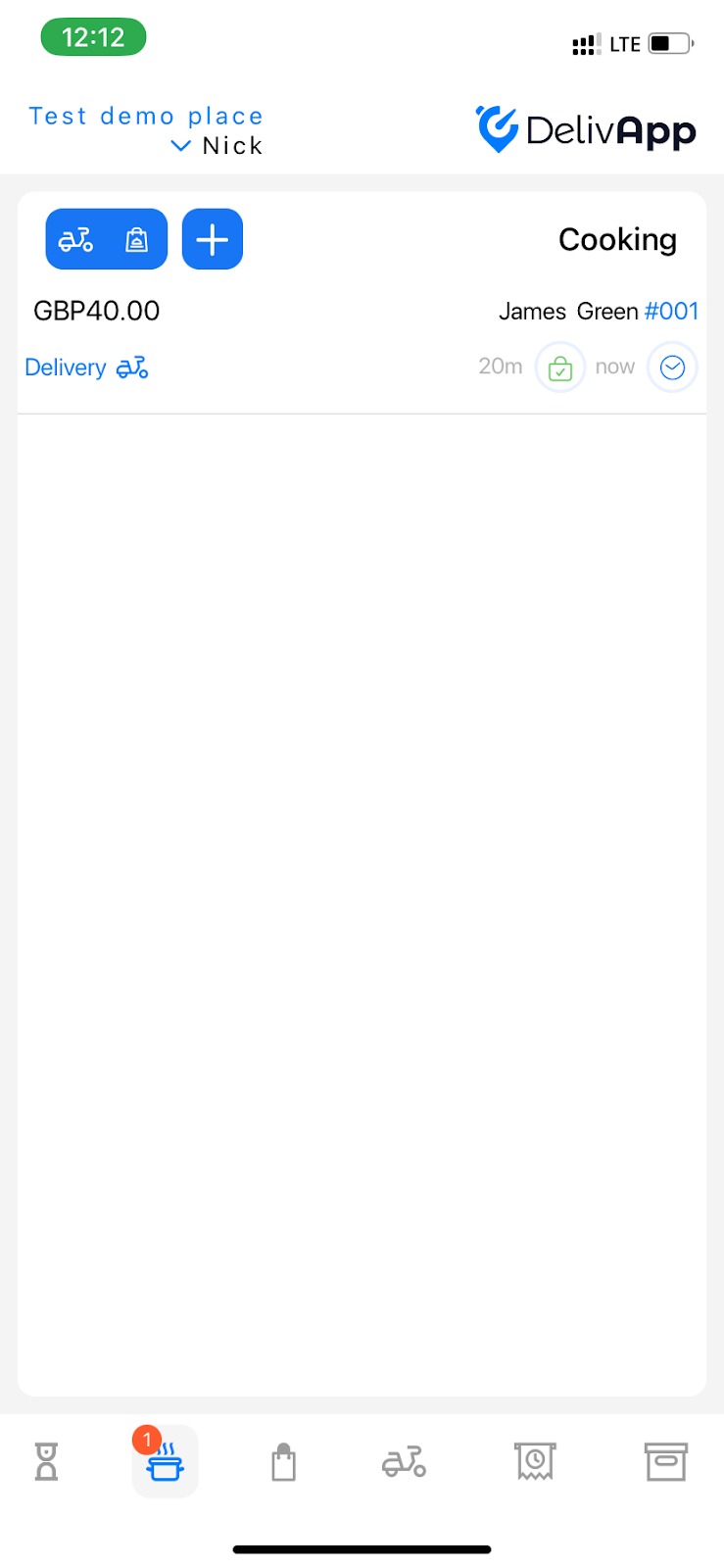
- Tap on the cooking icon and when the order is ready tap on it and select Ready.
**
**
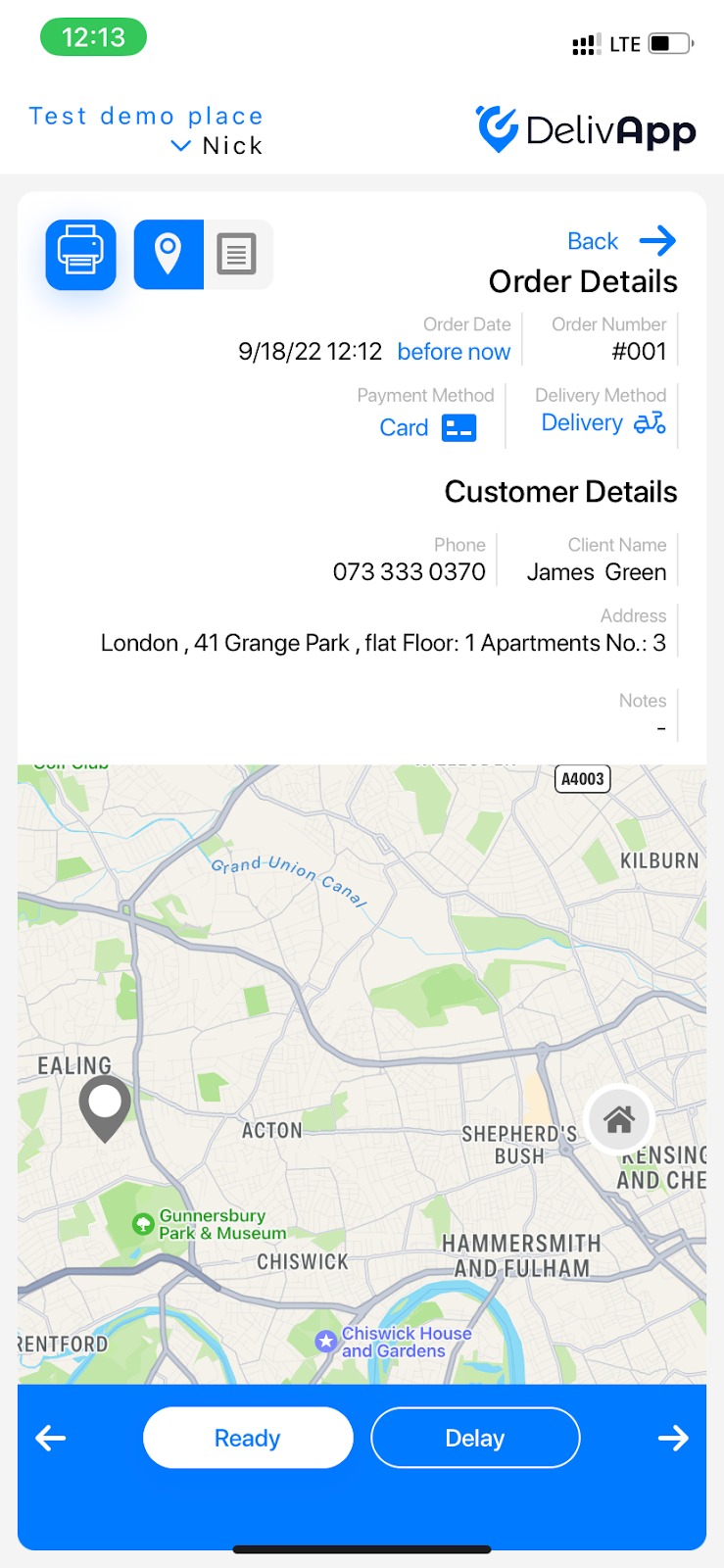
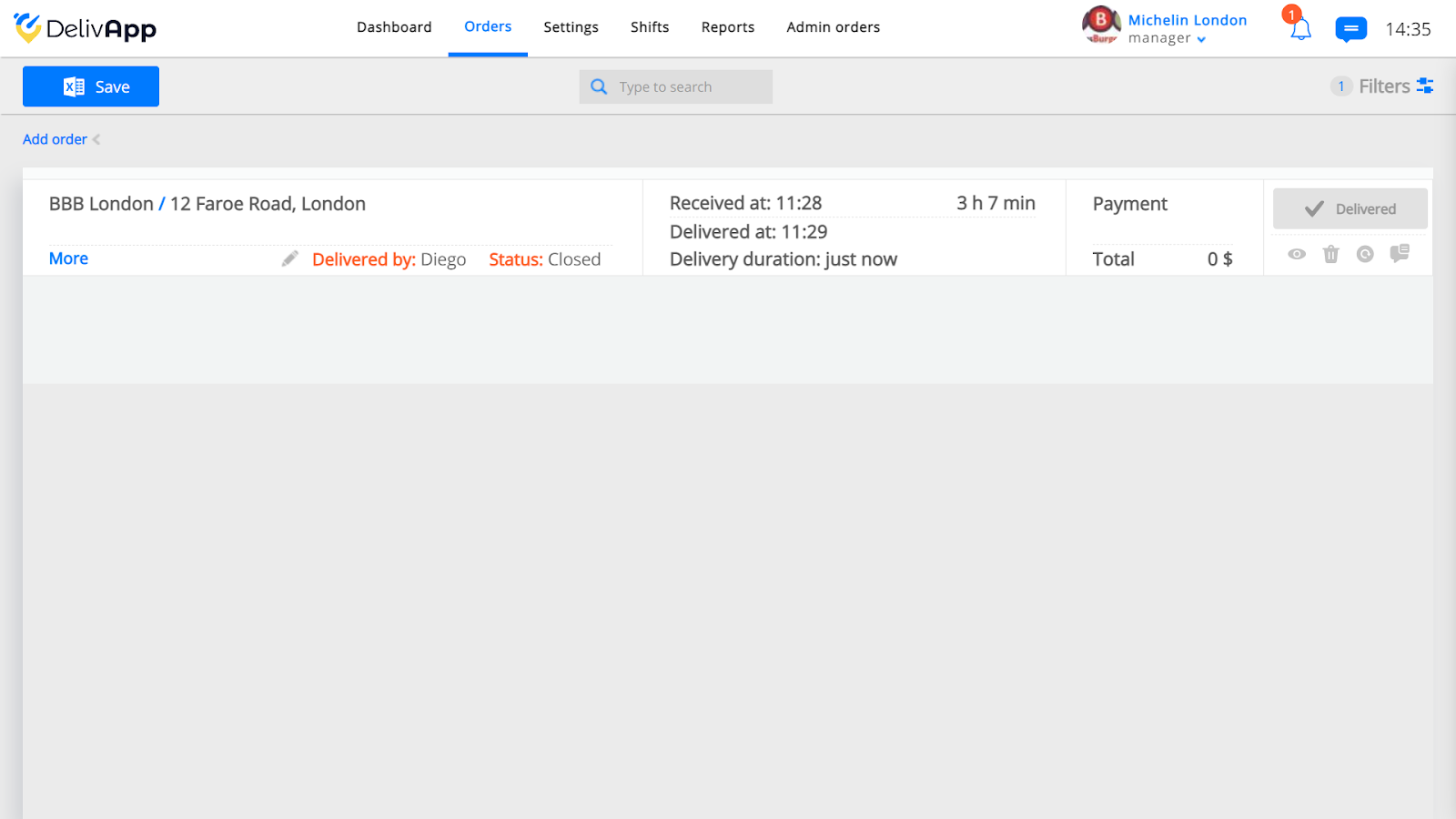
Your order will appear on the DelivApp platform as well, in the Orders tab.