Creating orders using Telegram
By using the Telegram app, a merchant can create orders using only the customer’s address or a phone number with a linked address.
Before Telegram can be used, it must be set up. If you have not done it yet, please follow this guide Setting up Telegram to create and manage orders.
Telegram orders can be created based on a customer address or a phone number (if an order was created for this phone number previously).
Creating orders using the customer’s address
To create an order via Telegram, the address needs to be registered first.
Enter the address with the following format: “/building number and street name” (without commas and dots).
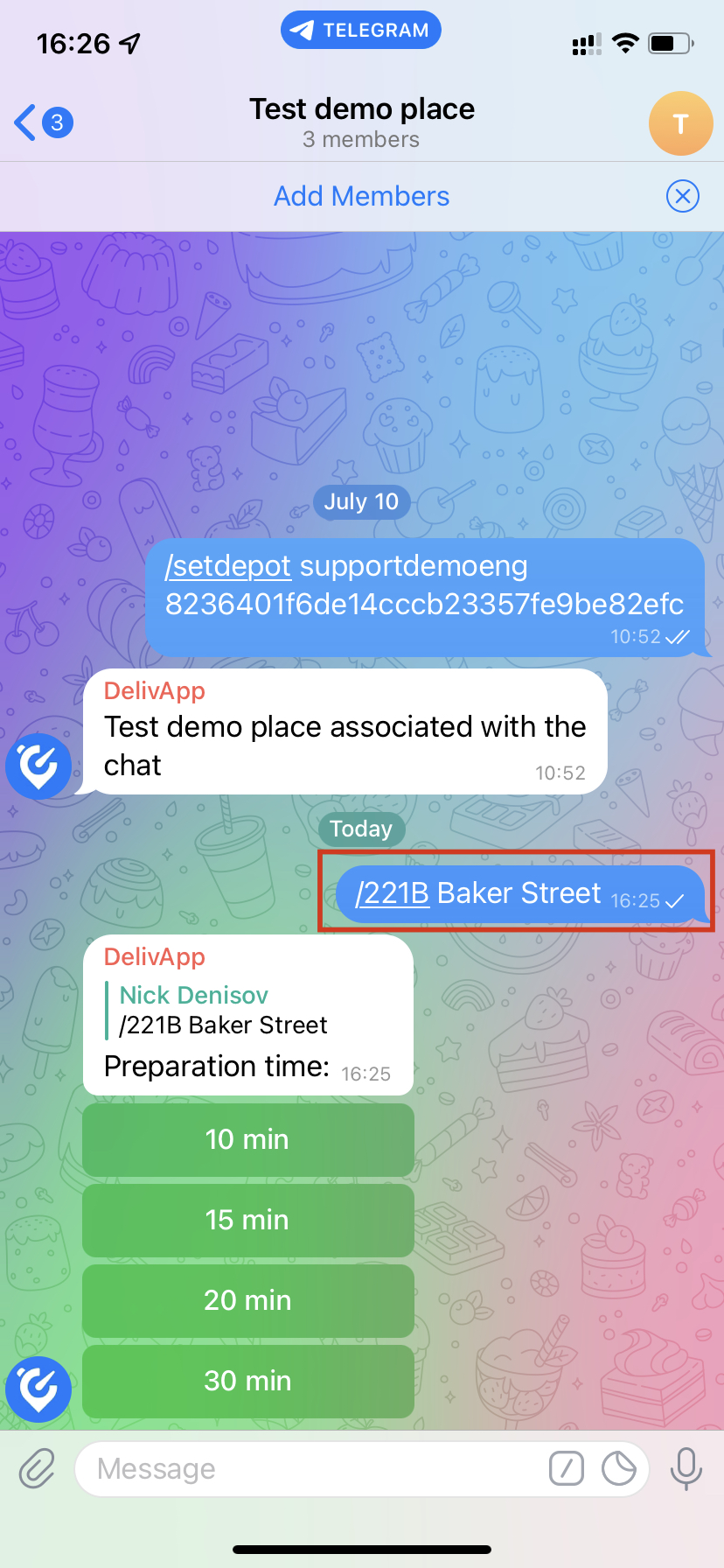
The DelivApp chatbot will walk you through the rest of the flow.
Creating orders using the customer’s phone number
For returning customers, it’s enough to type their phone number into the Telegram group chat, the system will find this customer and display the associated addresses to select from. Type the phone number preceded by a slash and send the request. Telegram will present a list of addresses associated with orders that were previously created with this phone number.
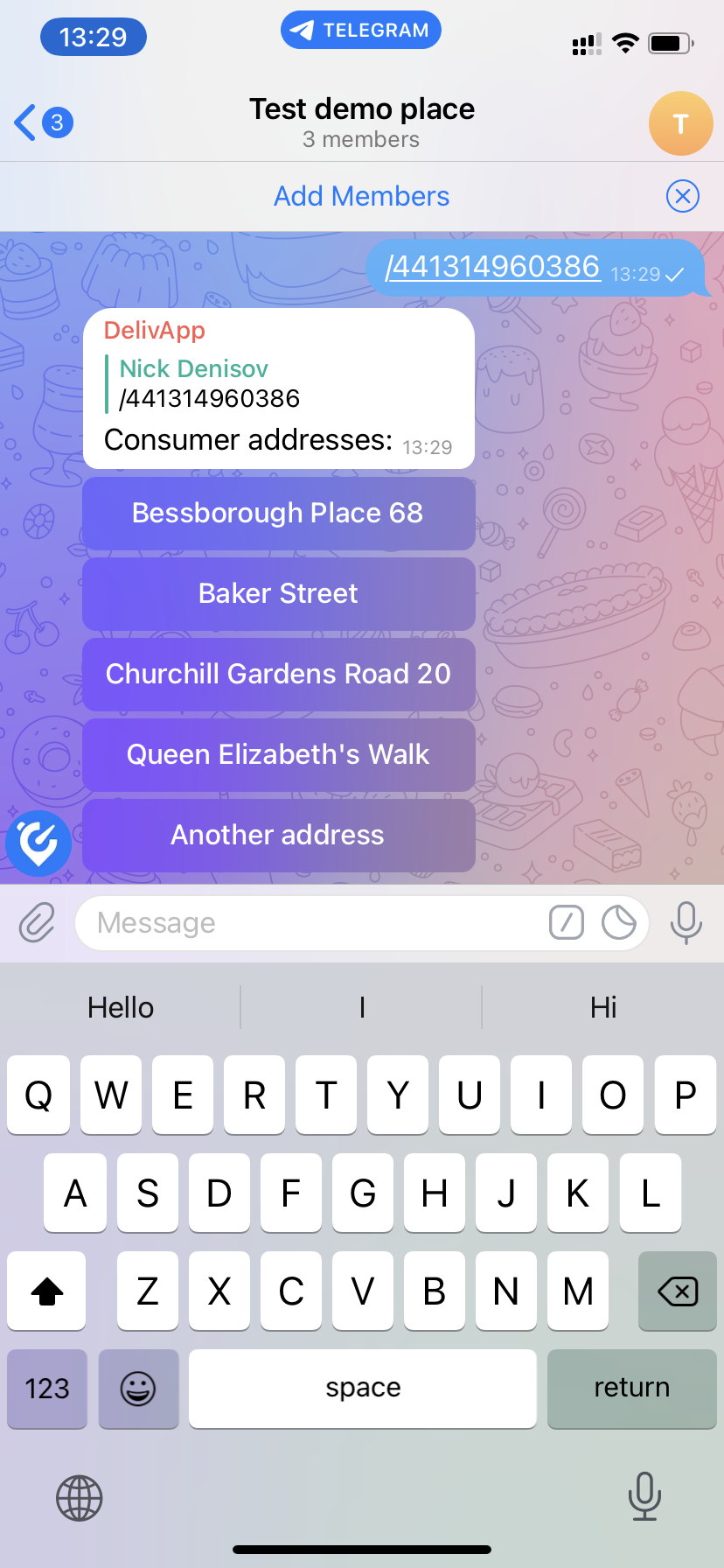
If the address you need is listed, tap on it to select it.
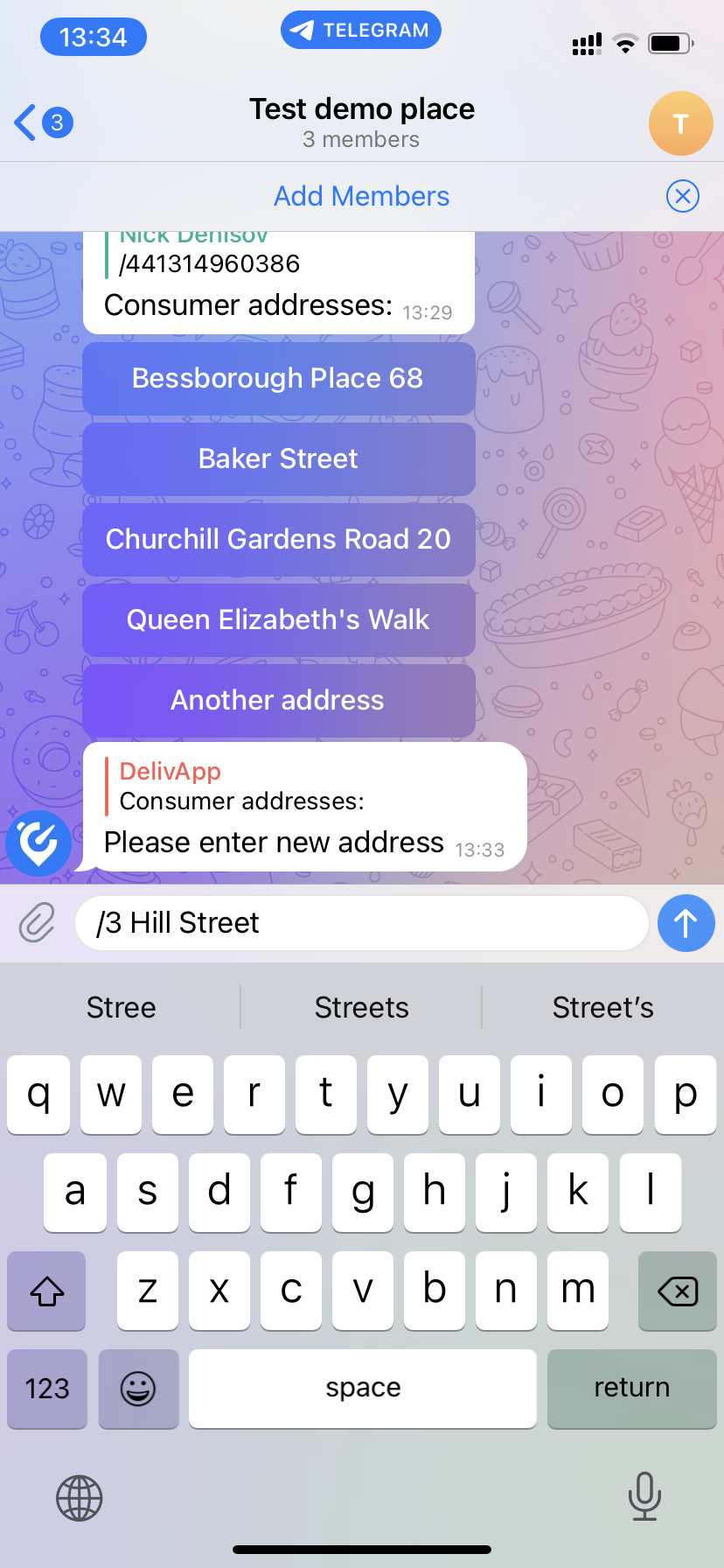
If the address you need is not listed in the options, tap on the “Another address” button.
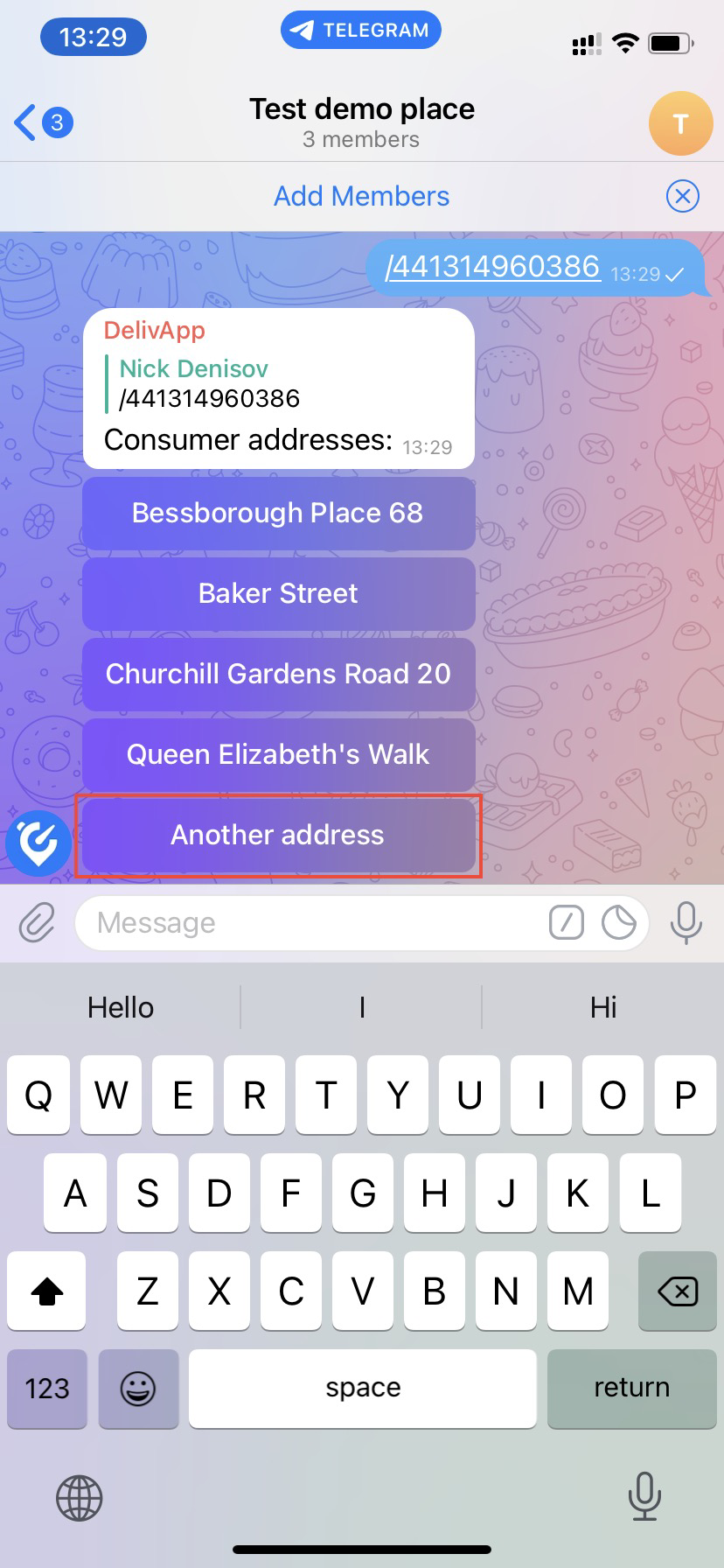
Enter the address after a forward slash sign.
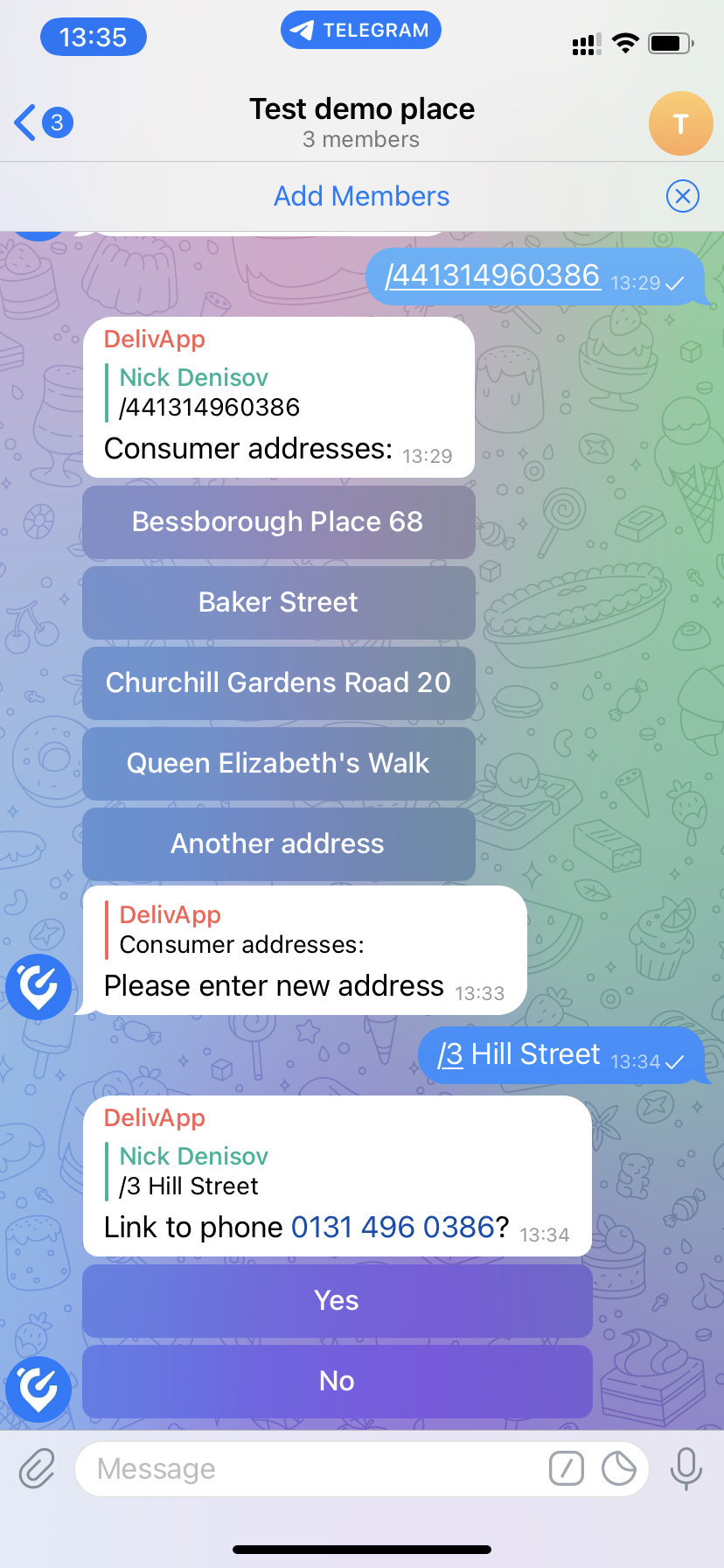
Tap on “Yes”, if you want to associate the phone number with the new address.
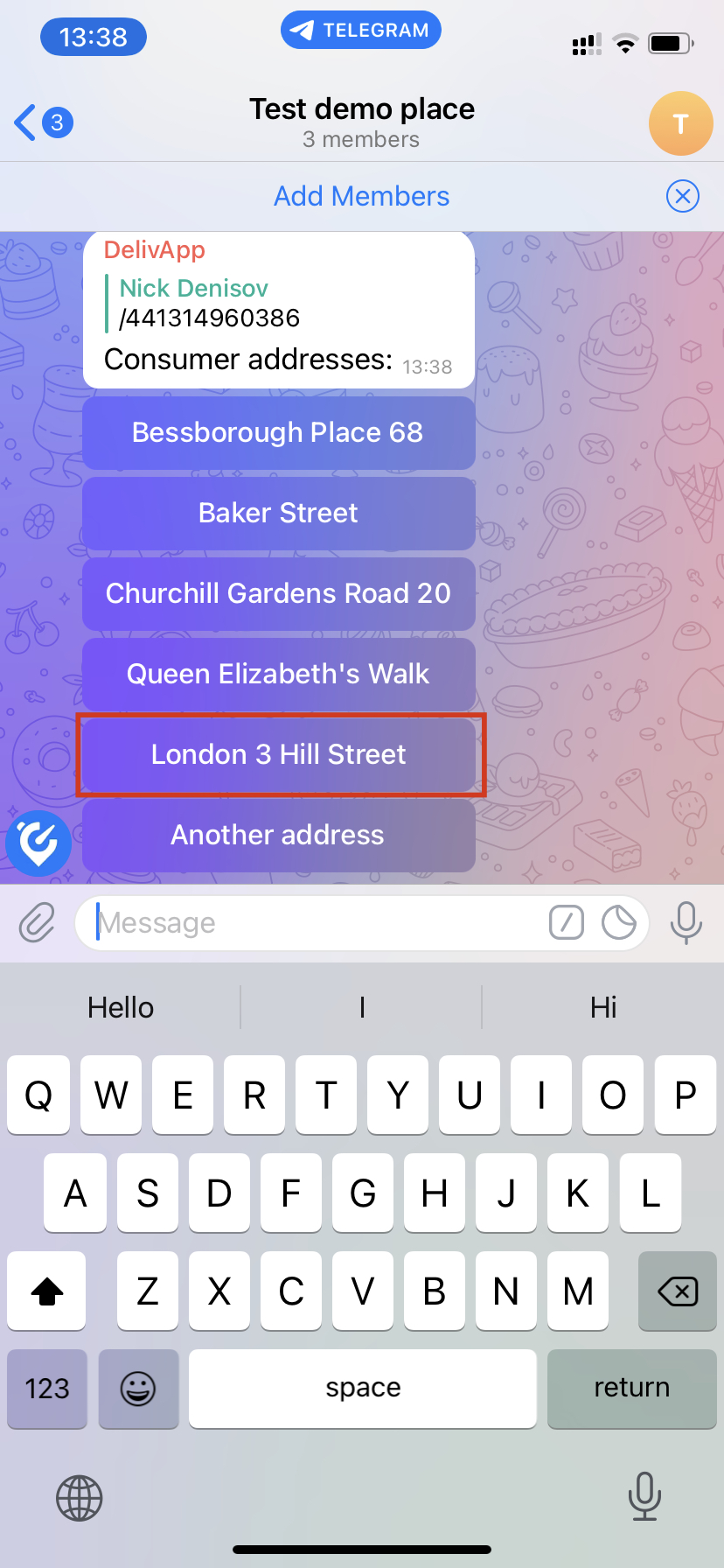
As a result, you will see the address that you have associated with the phone number when you type the phone number again:
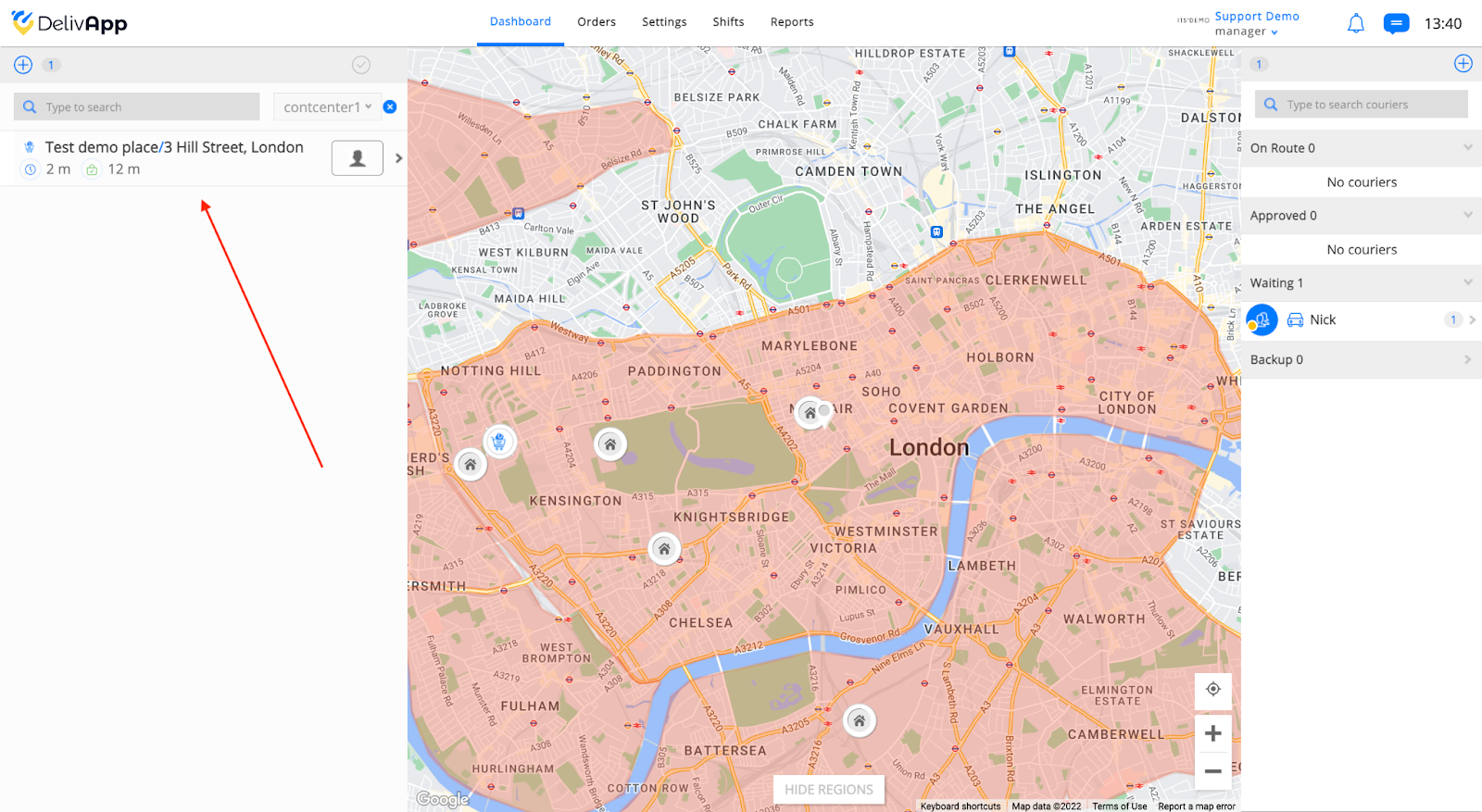
All the orders created via Telegram, will automatically appear on the Delivery Management Portal: