Courier invite and registration in the mobile app
Updated Jun 16, 20251 min read
courierscourier appinvite courier
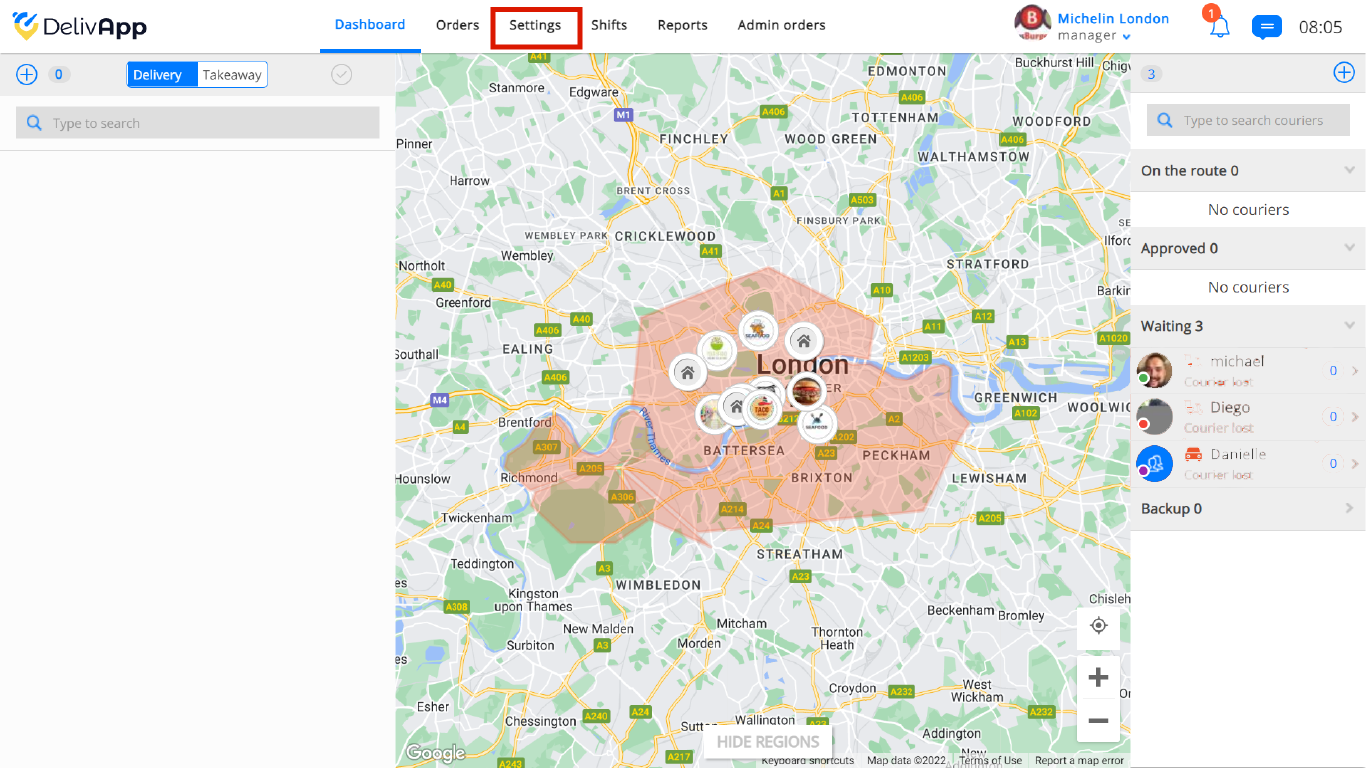
To register a courier in the application go to Settings from the Dashboard:
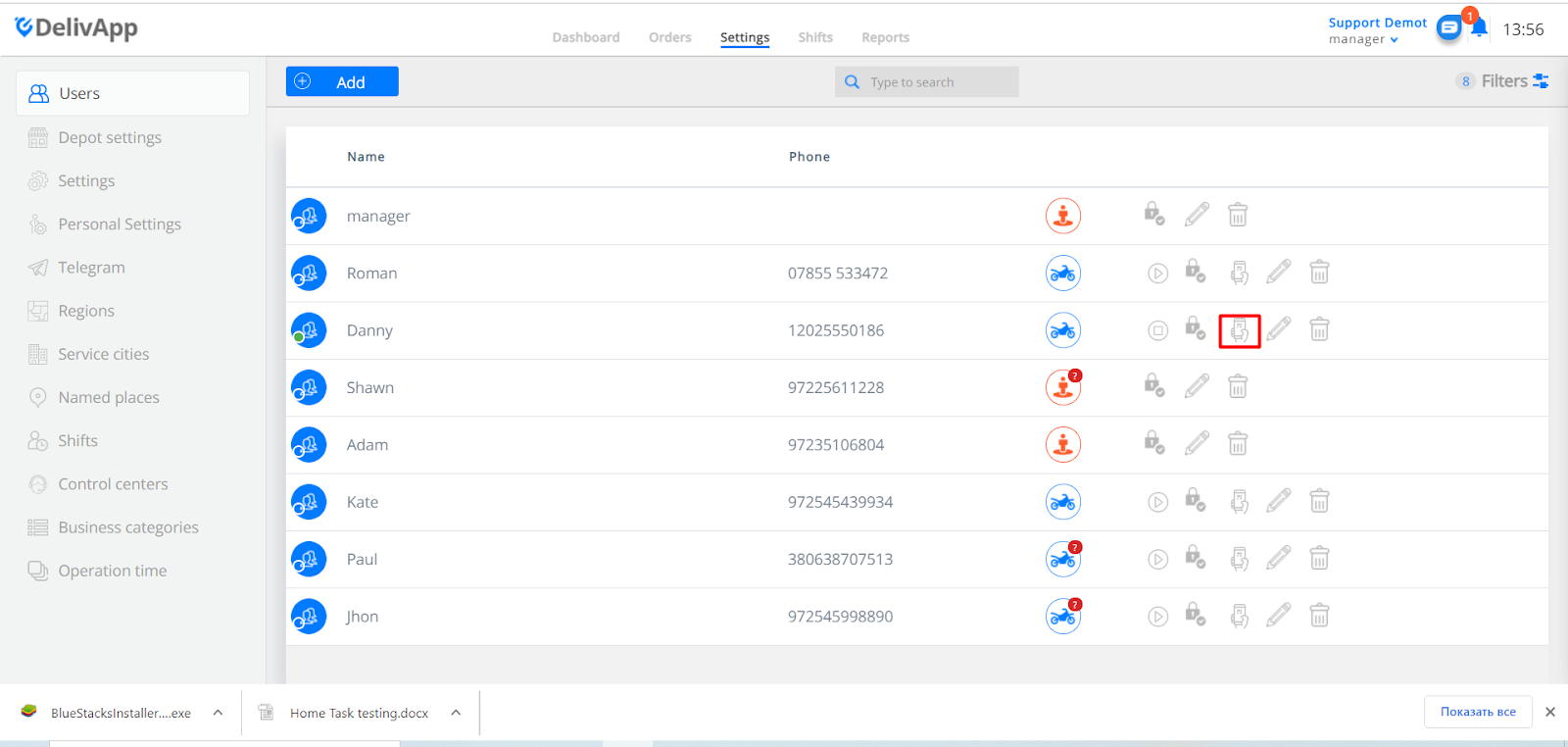
On the settings screen select Users, and next to the name of the courier select the Courier invitation icon:
After clicking on Courier Invitation, you will see a new window:
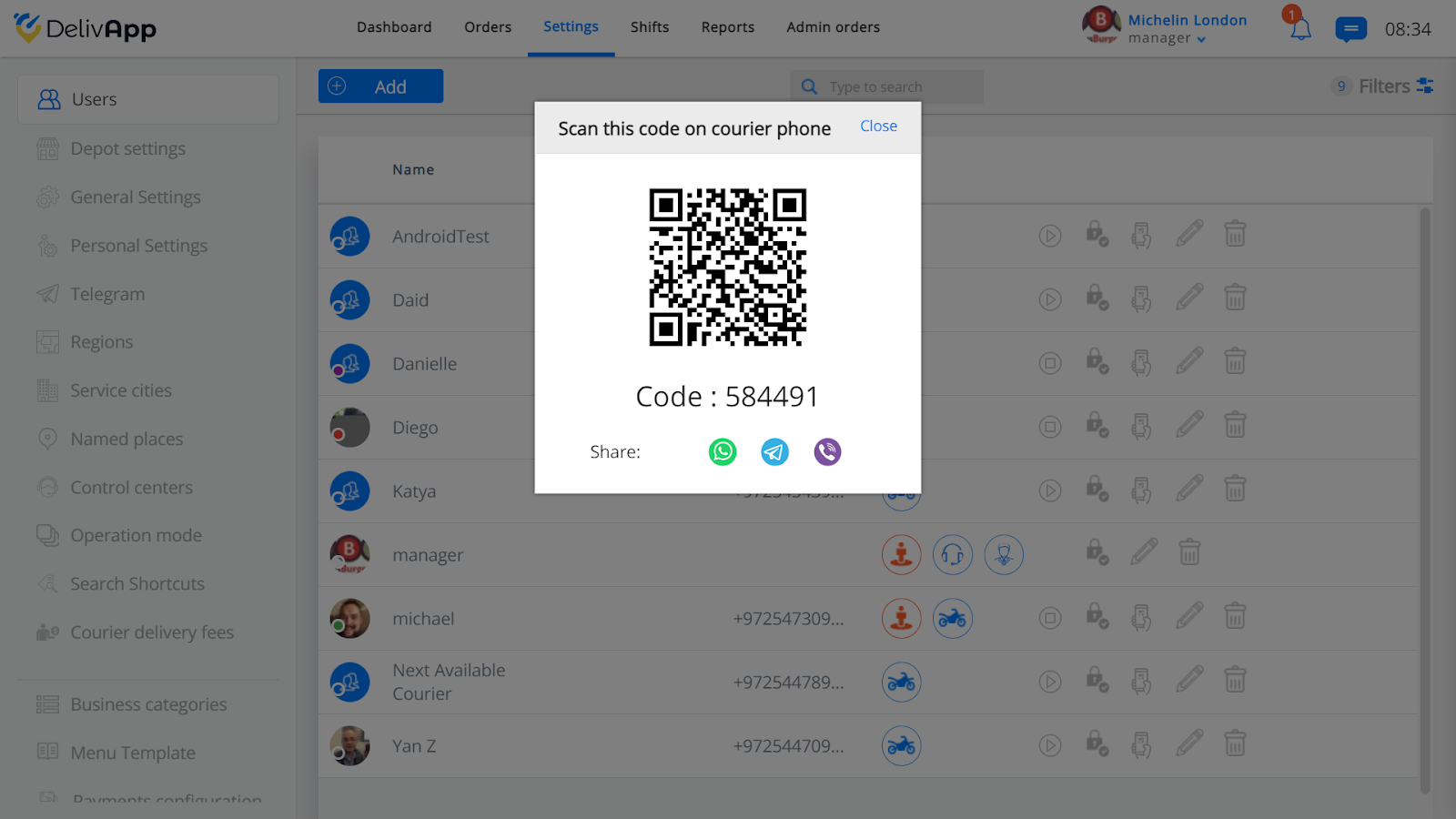
From here you will have 3 options to register the courier:
Ask him/her to scan the QR code using the DelivApp courier’s application
Click on share via What’s App/Telegram/Viber, a window with the link and registration code will pop up.
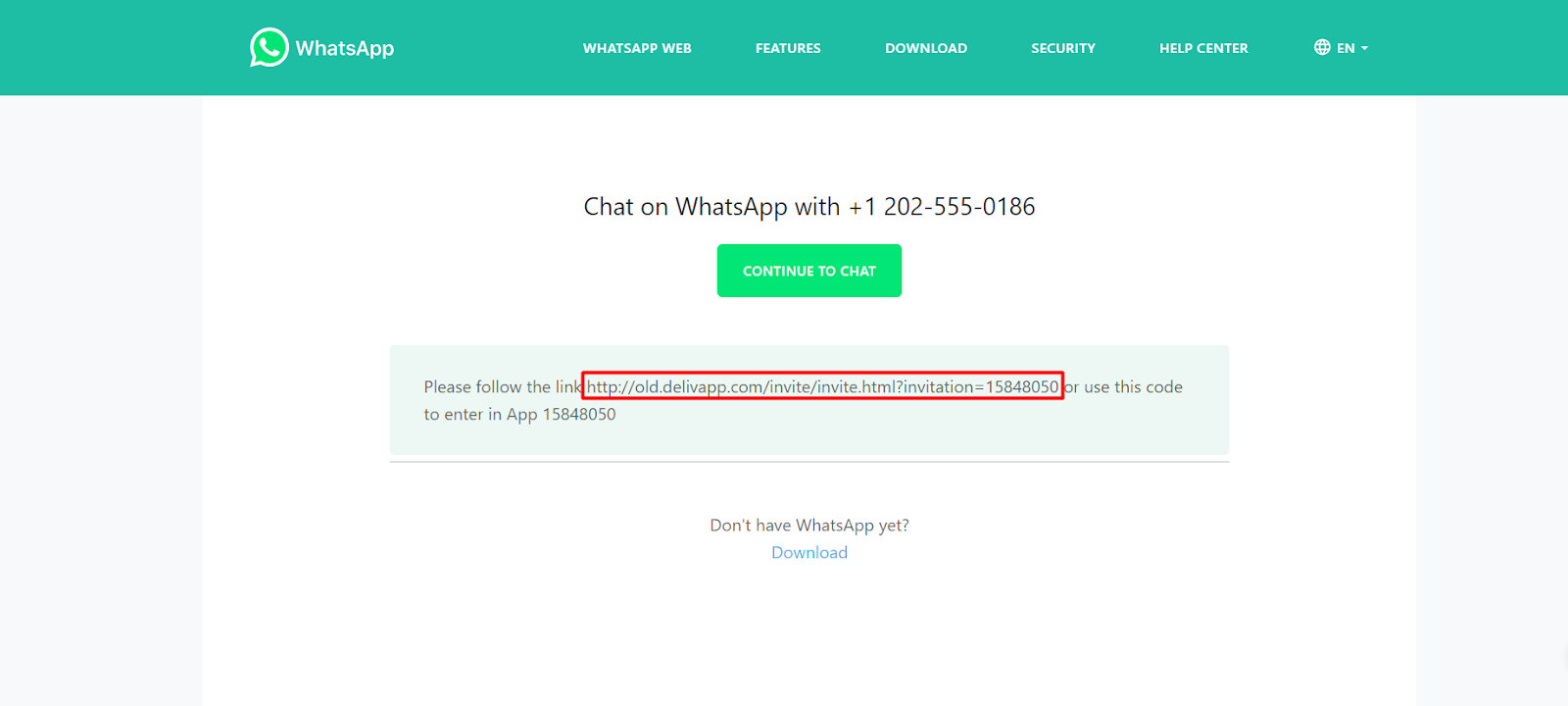
You can send the link to the courier via WhatsApp, by clicking on the Continue to chat button so that he or she would click on it and enter from his/her smartphone.
- Ask the courier to enter the code in the DelivApp courier’s application.
Was this article helpful?