Order creation by phone number
Updated Jun 17, 20251 min read
order creationcreation by phone number
Order creation by phone number
The system stores the customer phone number as a part of the order information, and it can suggest the addresses of orders that were made with this phone number.
While you create an order in the system, enter a customer phone number and click on the magnifying glass icon, if the phone number has been used before, you will have the option to choose a delivery address from previous orders (screenshot 1).
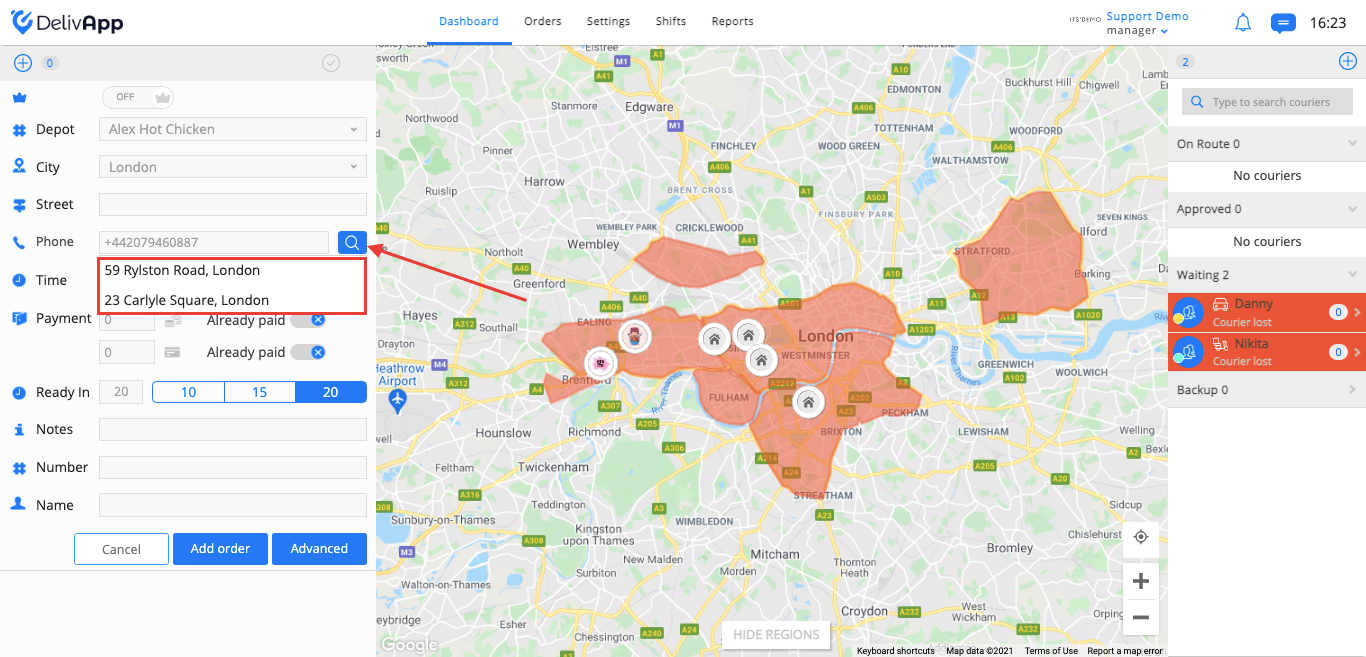
(screenshot 1)
Select one of the addresses from the drop-down list, the address will be entered in the street field. In case the phone number was not used before, the address list will be empty.
Was this article helpful?