Filtering Orders
Updated Jun 17, 20251 min read
filterorders
You can filter all orders that have been created in your account. This function will help you to manage your orders in an easy way.
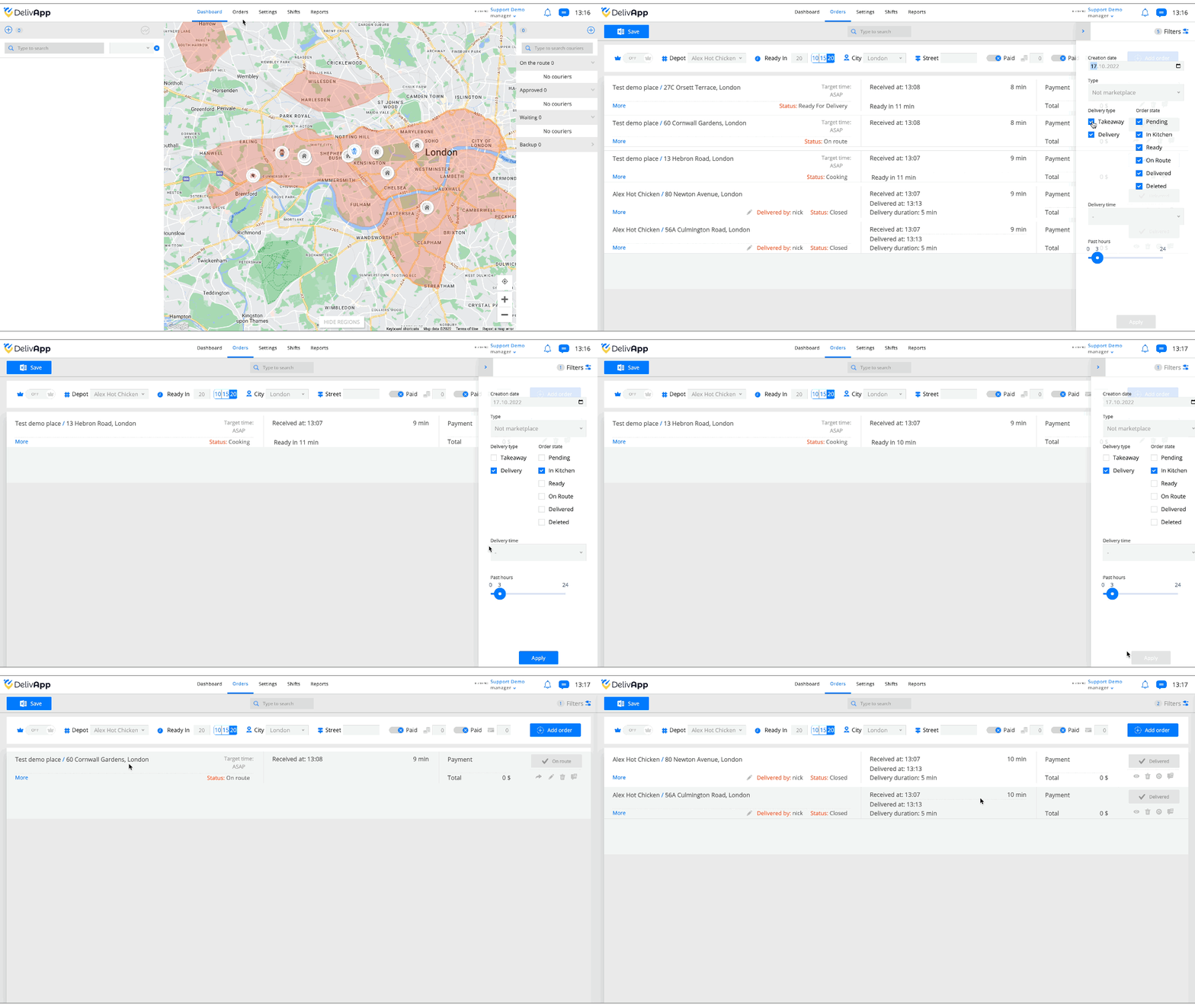
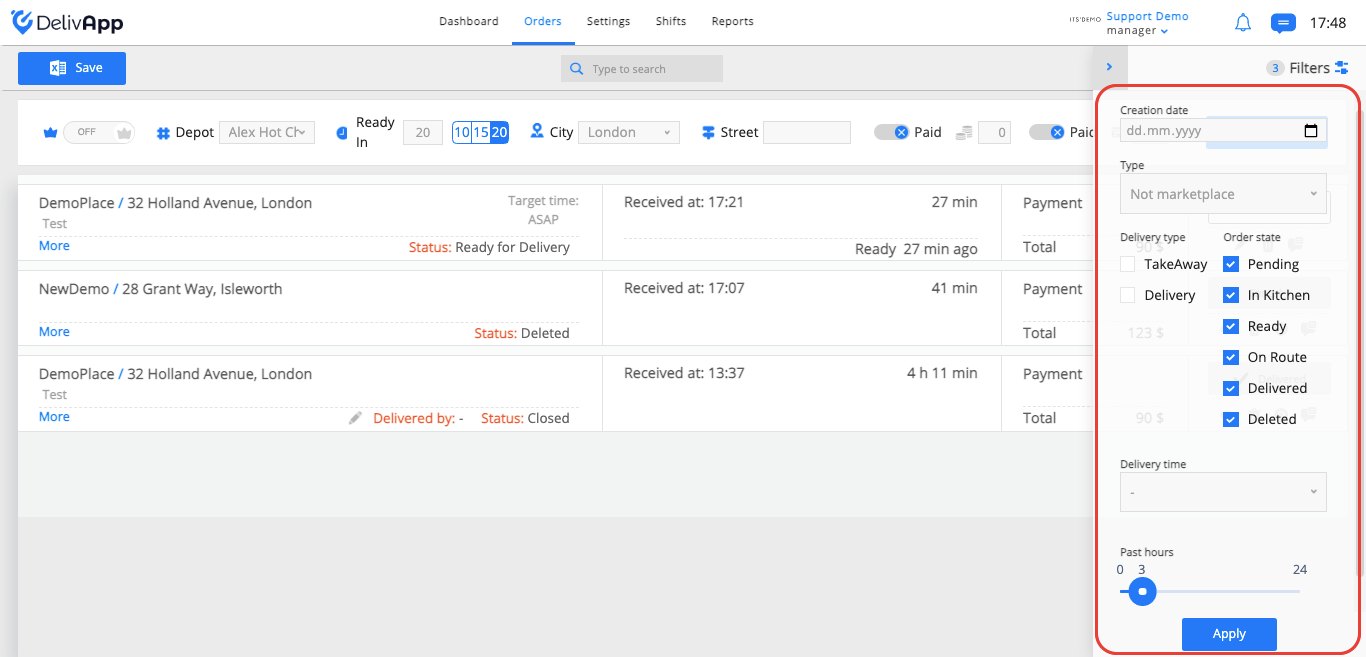
In the filter settings, you can choose the following parameters:
Creation date (choose order creation date to filter by)
Order receiving Type (orders that received from marketplace or not)
Delivery type (TakeAway, delivery (by courier))
Order status (pending, in kitchen, ready, on route, delivered, deleted)
Delivery time (delivery time more than half an hour, delivery time more than one hour, delivery time more than an hour and a half)
Past hours (from now to 24 hours ago. E.g., if you move the slider to 3 hours, then you will filter the orders for the last three hours.)
Was this article helpful?