Creating a Welcome Bonus for First-Time Users
Updated Jun 17, 20251 min read
Key Steps
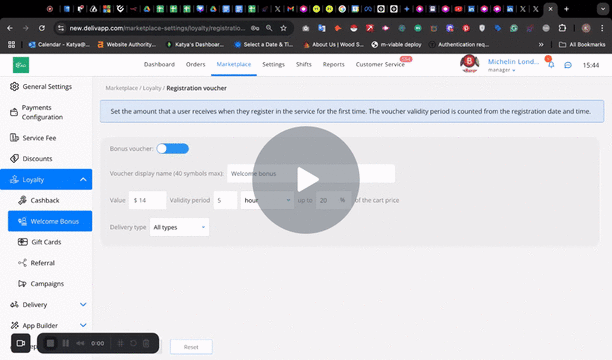
Step 1: Access the Admin Panel 0:00
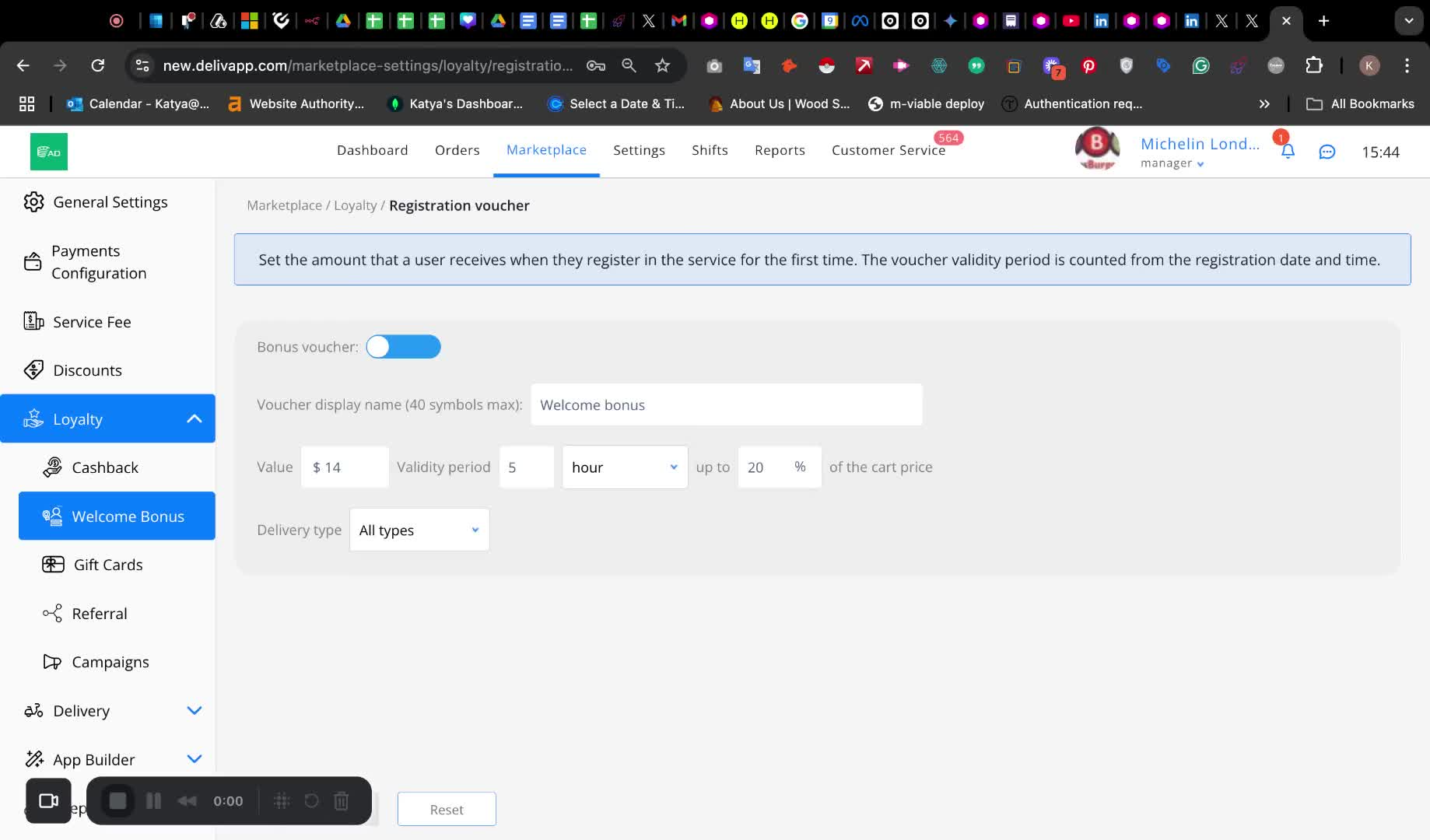
Go to the admin panel of your app or website.
Open the marketplace section.
Step 2: Navigate to Loyalty Settings 0:05
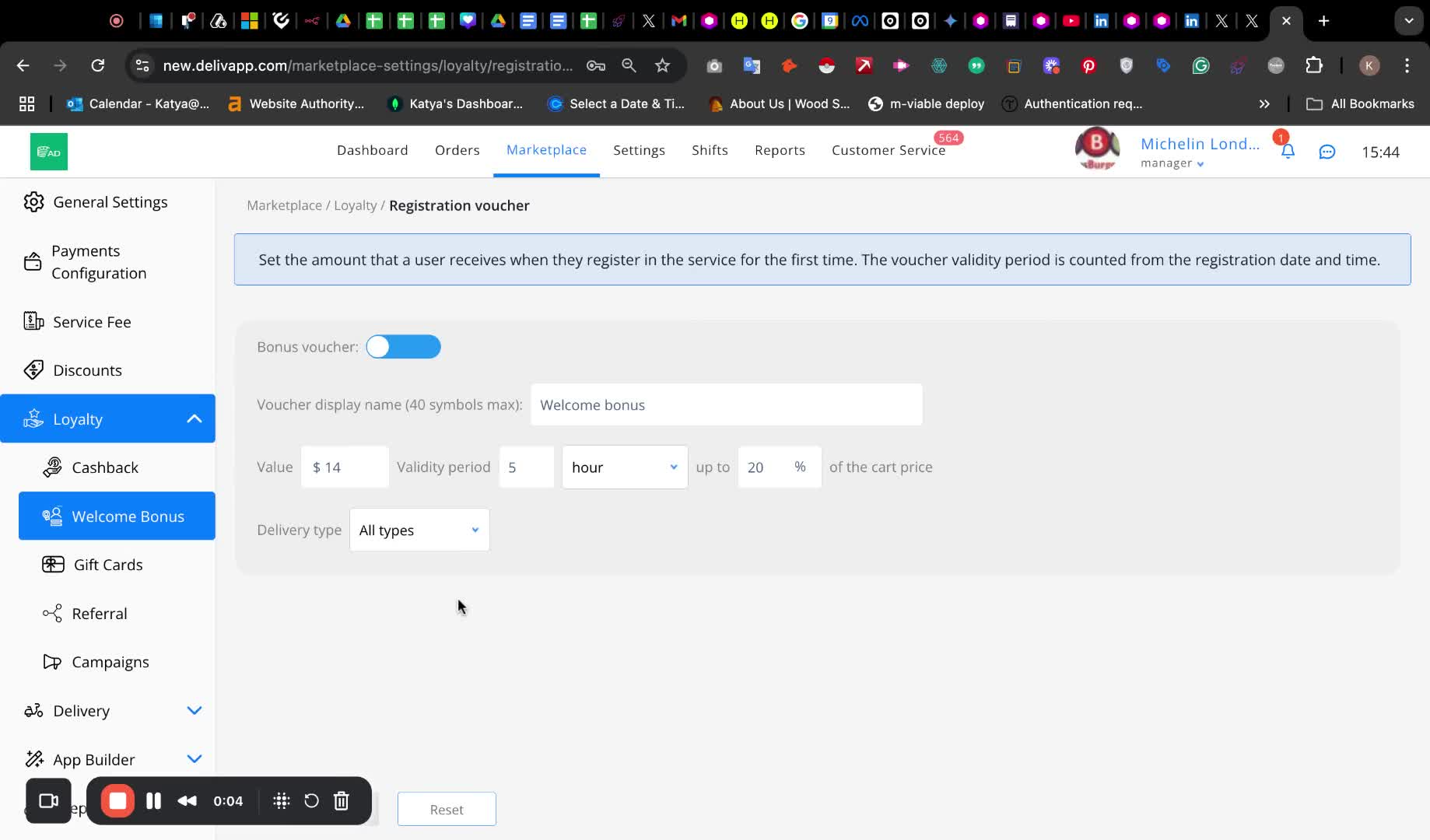
- Find and navigate to the loyalty section.
Step 3: Enable the Voucher 0:10
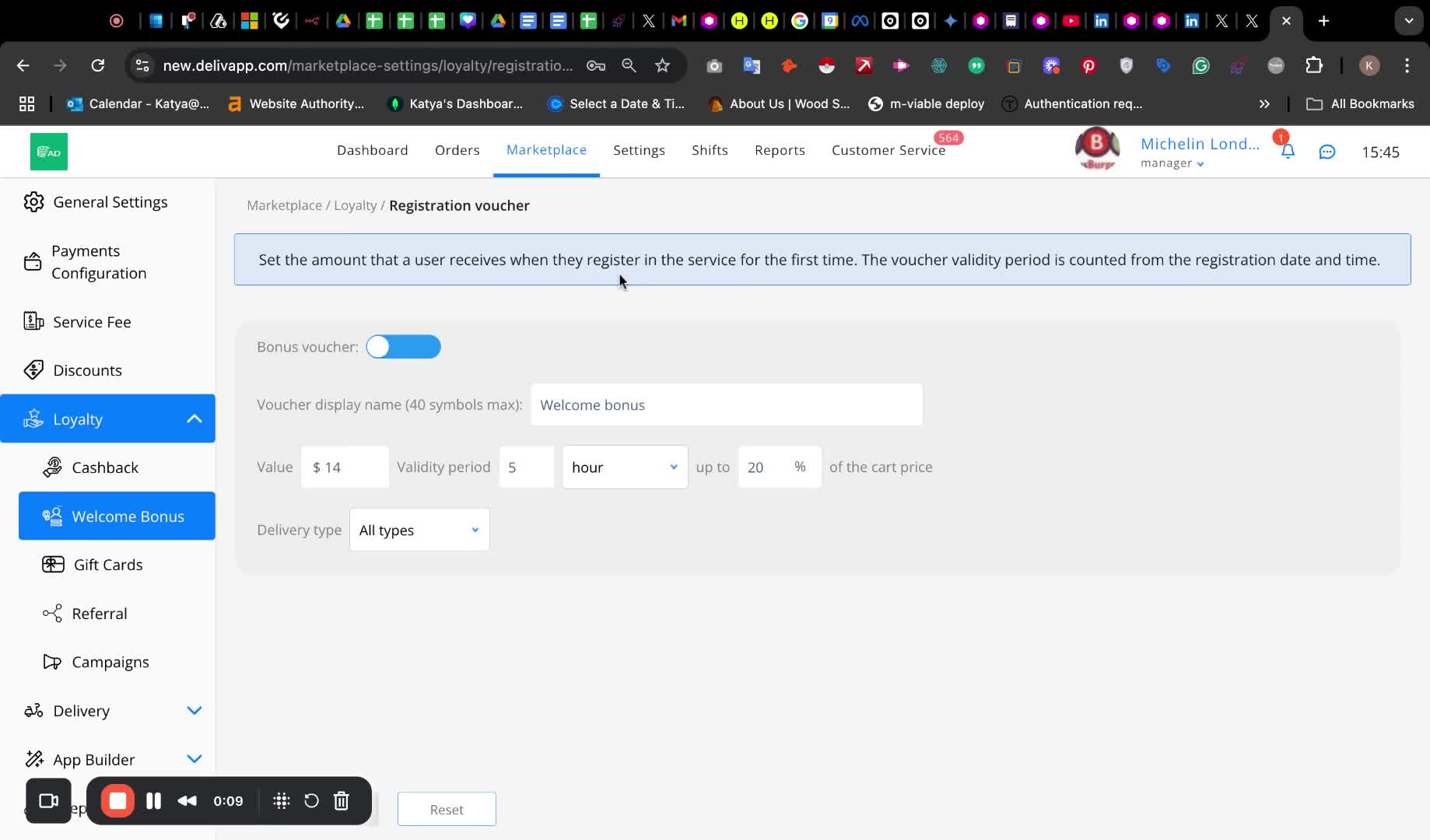
- Enable the voucher option.
Step 4: Set Voucher Display Name 0:15
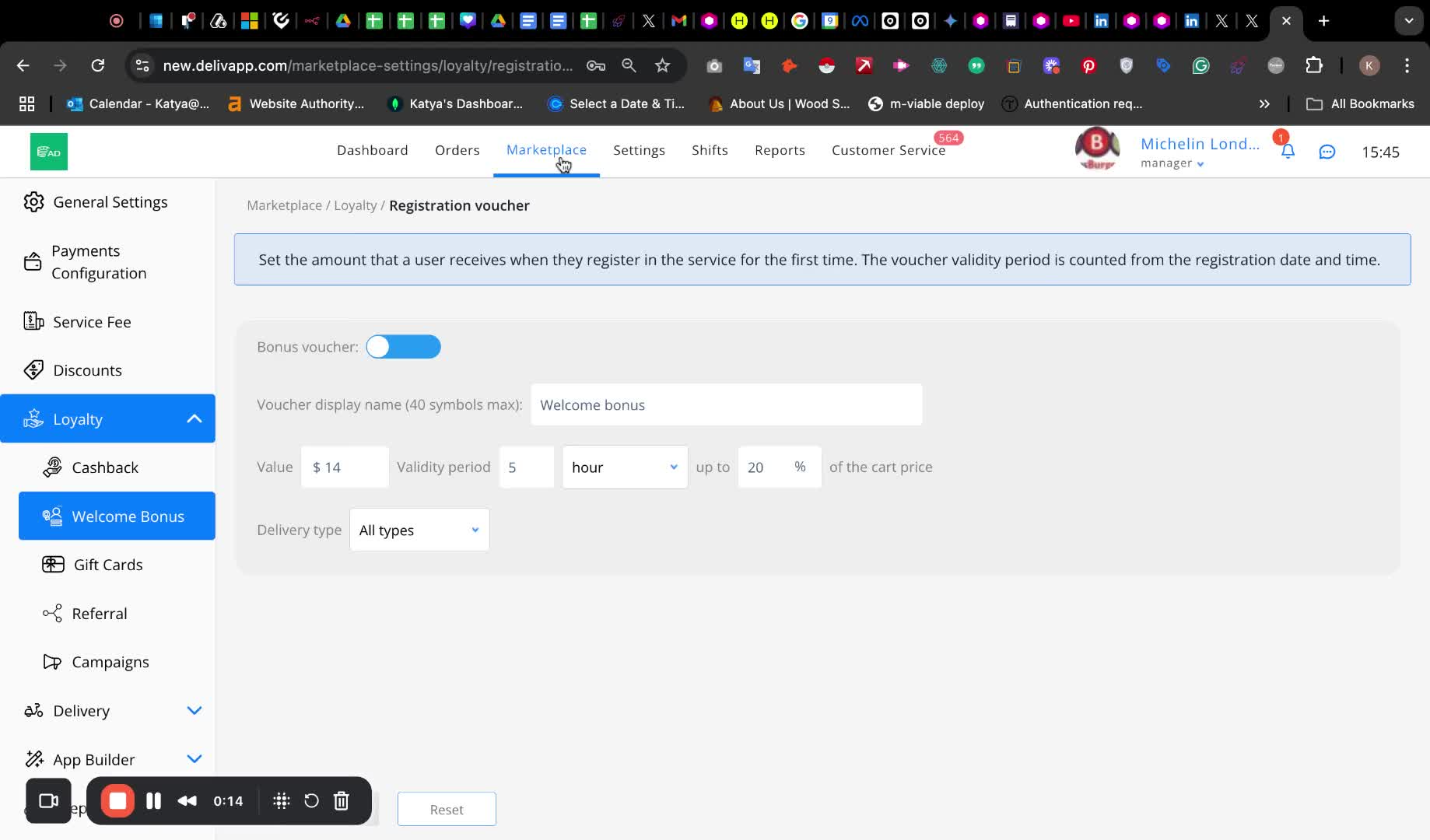
- Enter the voucher display name as it will appear in the user's digital wallet.
Step 5: Define Voucher Value 0:20
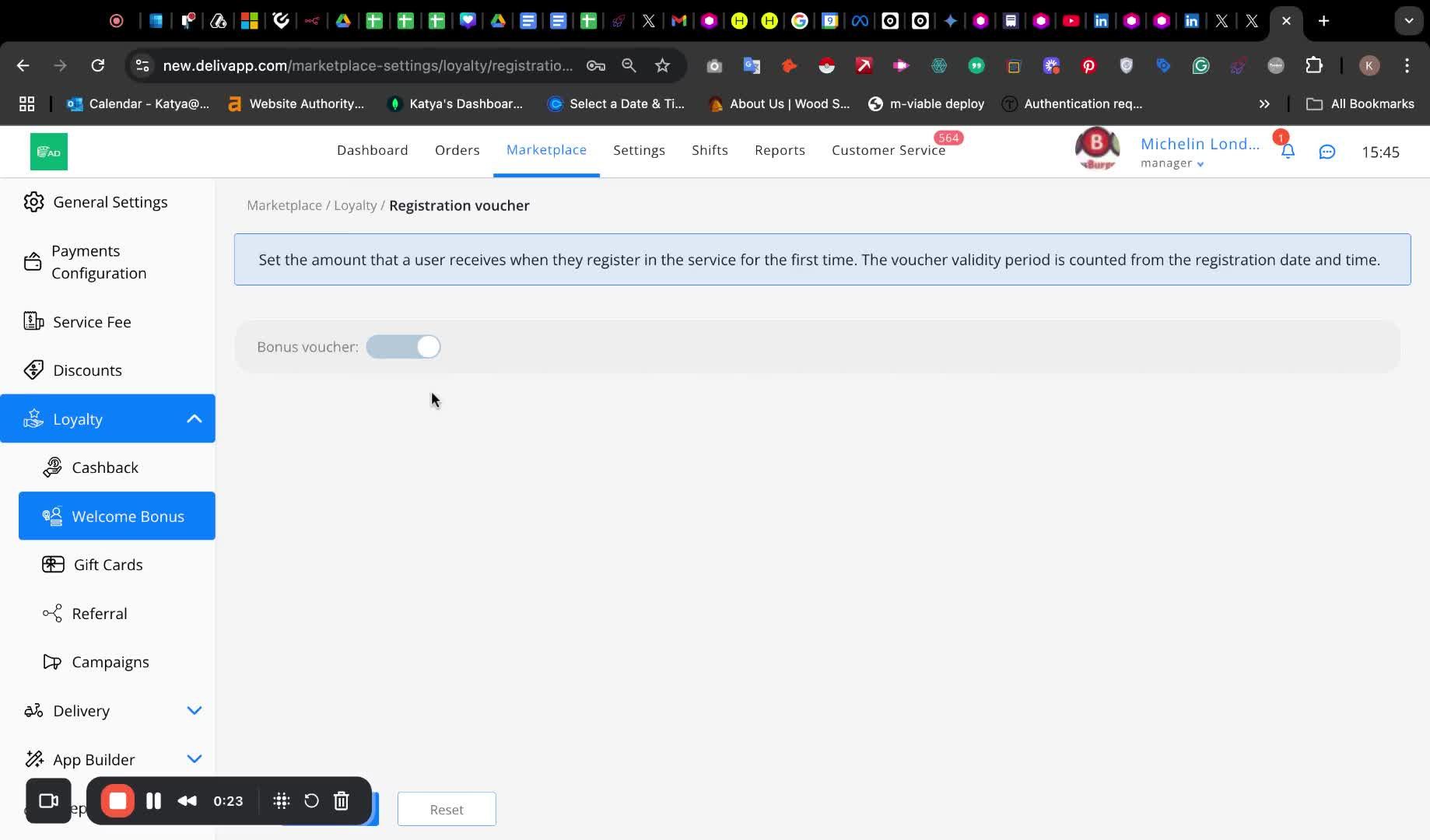
- Specify the voucher value.
Step 6: Set Validity Period 0:31
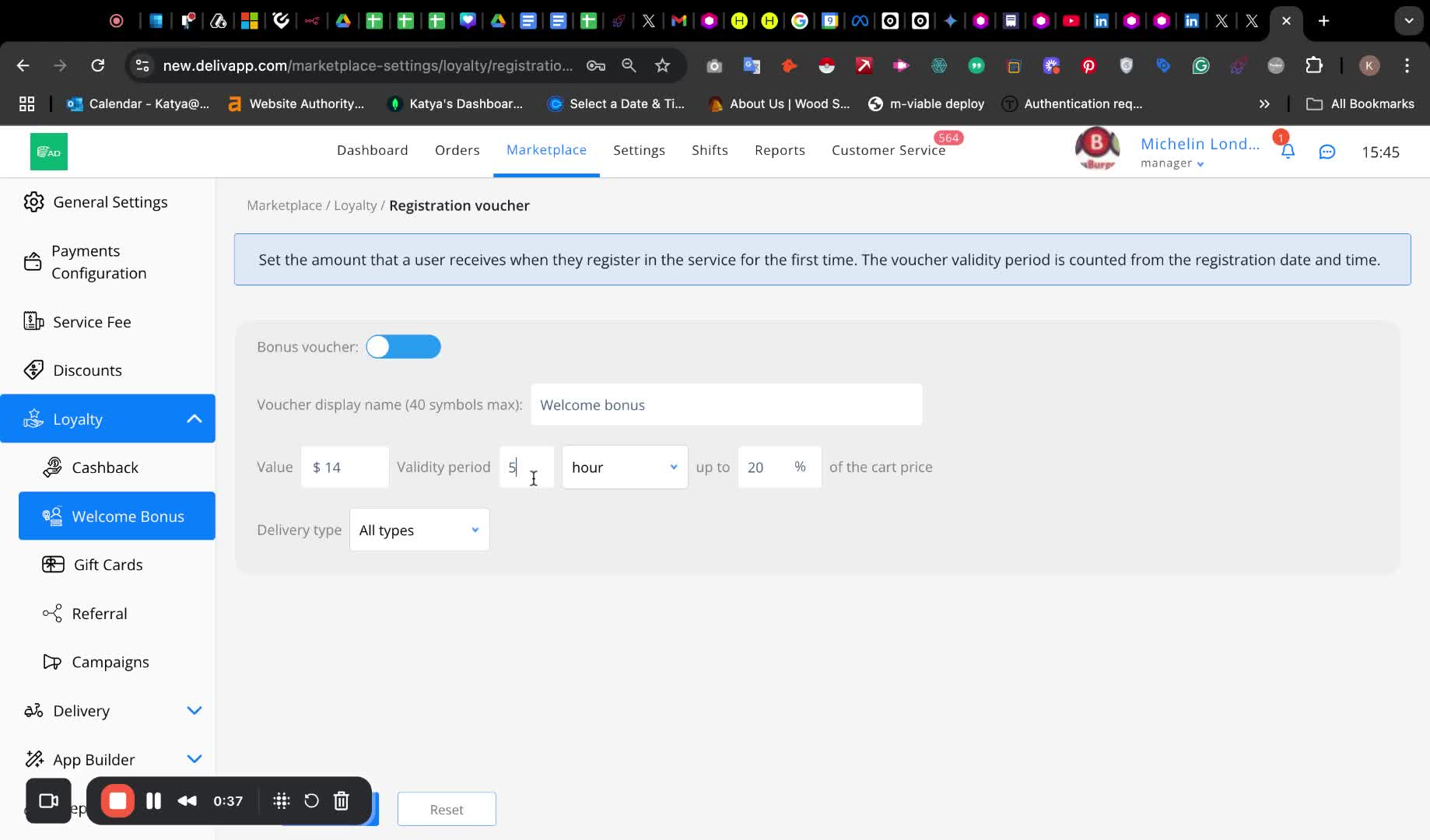
- Define the validity period of the voucher (in hours, days, or weeks) from the moment of registration.
Step 7: Determine Usage Limits 0:45
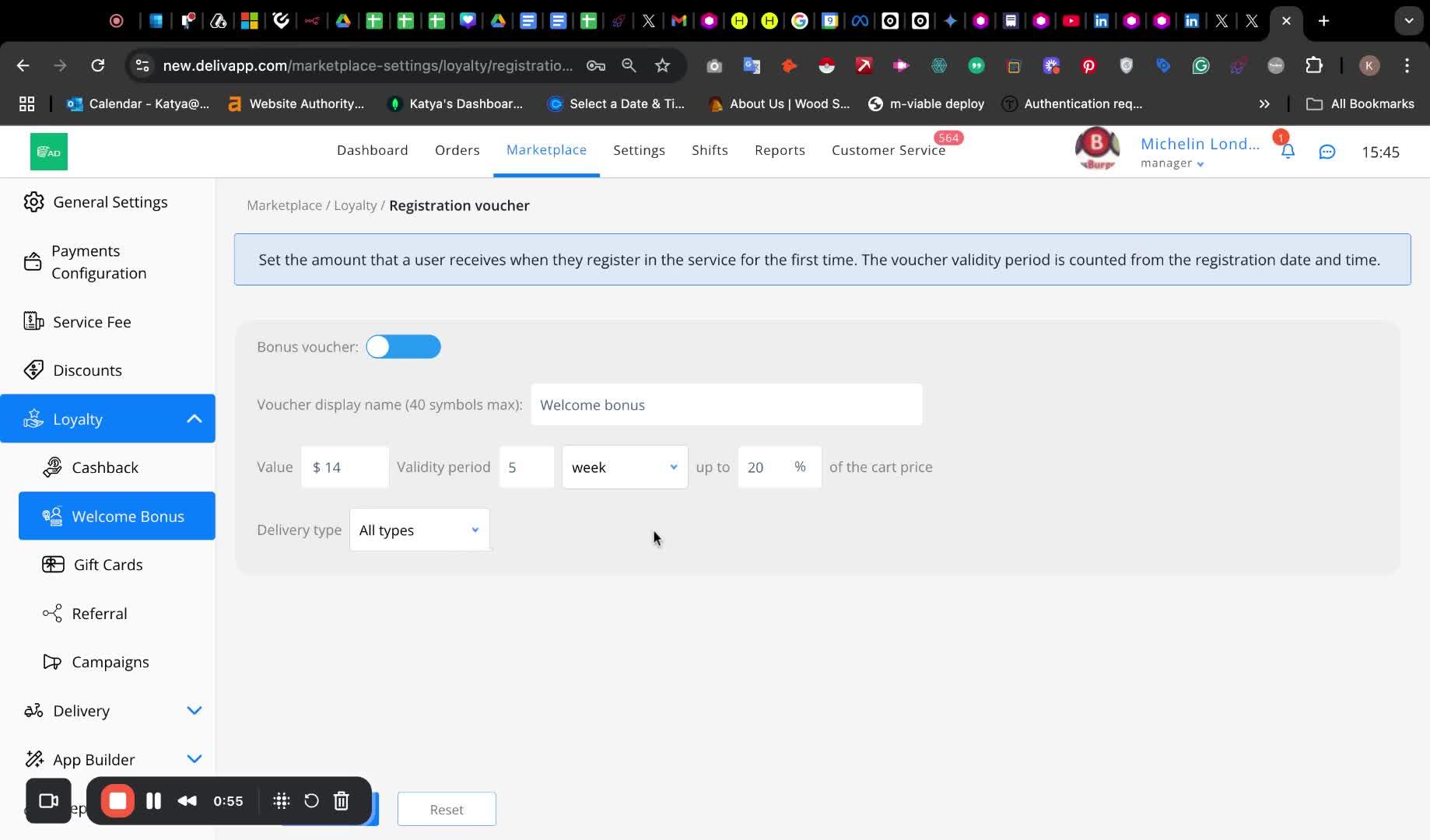
- Specify the maximum amount or share of the order that the voucher can cover.
Step 8: Indicate Delivery Type 1:00
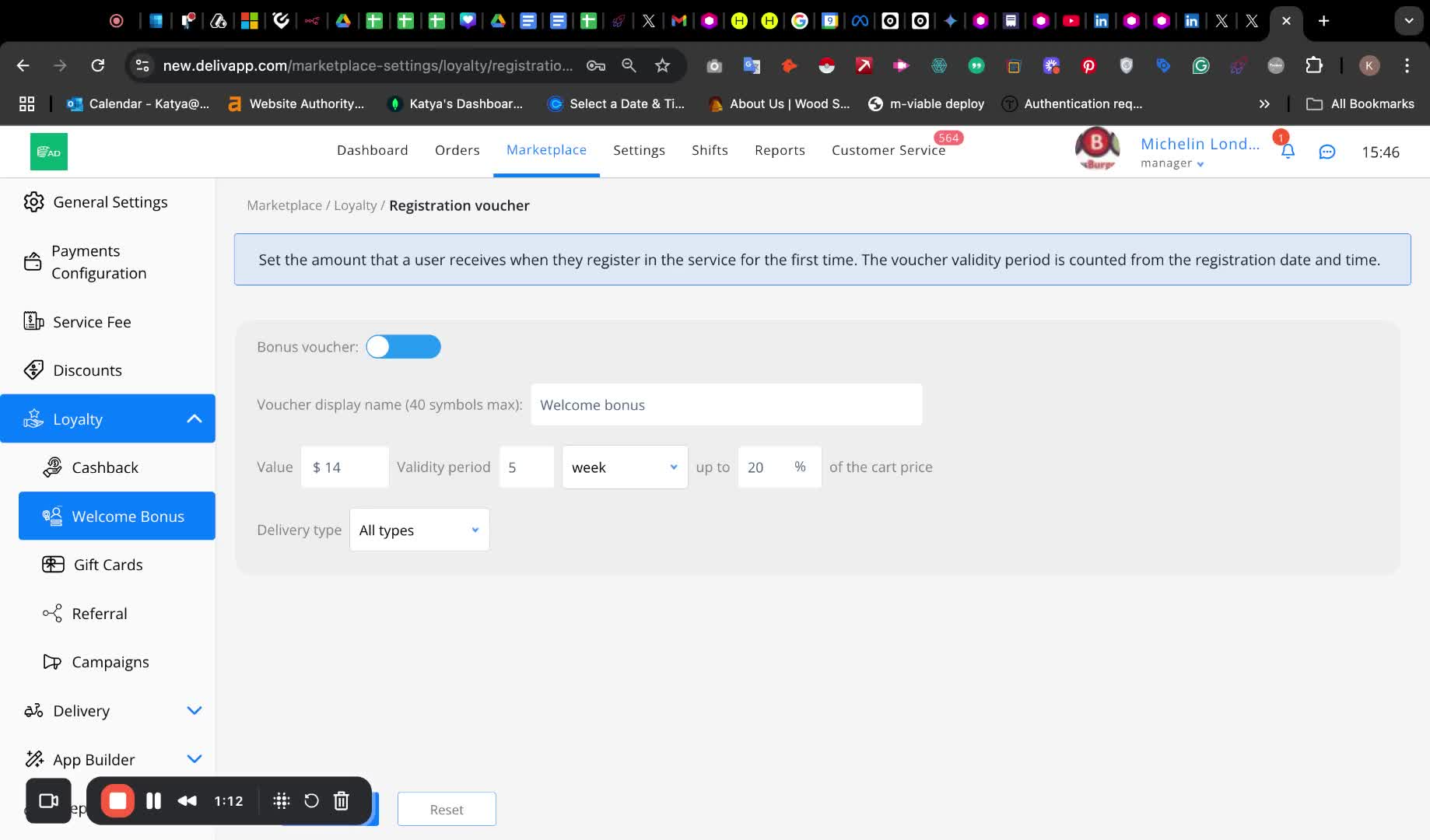
- Indicate the delivery type for which the voucher is available (default is set to all types).
Cautionary Notes
Ensure that the voucher value does not exceed the specified percentage of the order to avoid confusion for users.
Double-check the validity period to ensure it aligns with your promotional strategy.
Tips for Efficiency
Use clear and concise names for vouchers to enhance user understanding.
Regularly review and update the voucher settings based on user feedback and engagement.
Watch Video
Was this article helpful?