How to log in to the admin portal via merchant user account
Updated Jun 15, 20251 min read
admin portalloginmerchant
Merchant users can manage orders via the admin portal from their personal account.
Follow the steps below to learn how to do that.
If you haven’t created a merchant user yet, please read this article first: How to create a merchant/business manager
Go to the DelivApp Admin Portal login page
app.delivapp.com
Fill in the username for the business (in the format: “username@youraccount”, e.g., nick@supportdemoeng), password, and click on the “Login” button (screenshot 1).
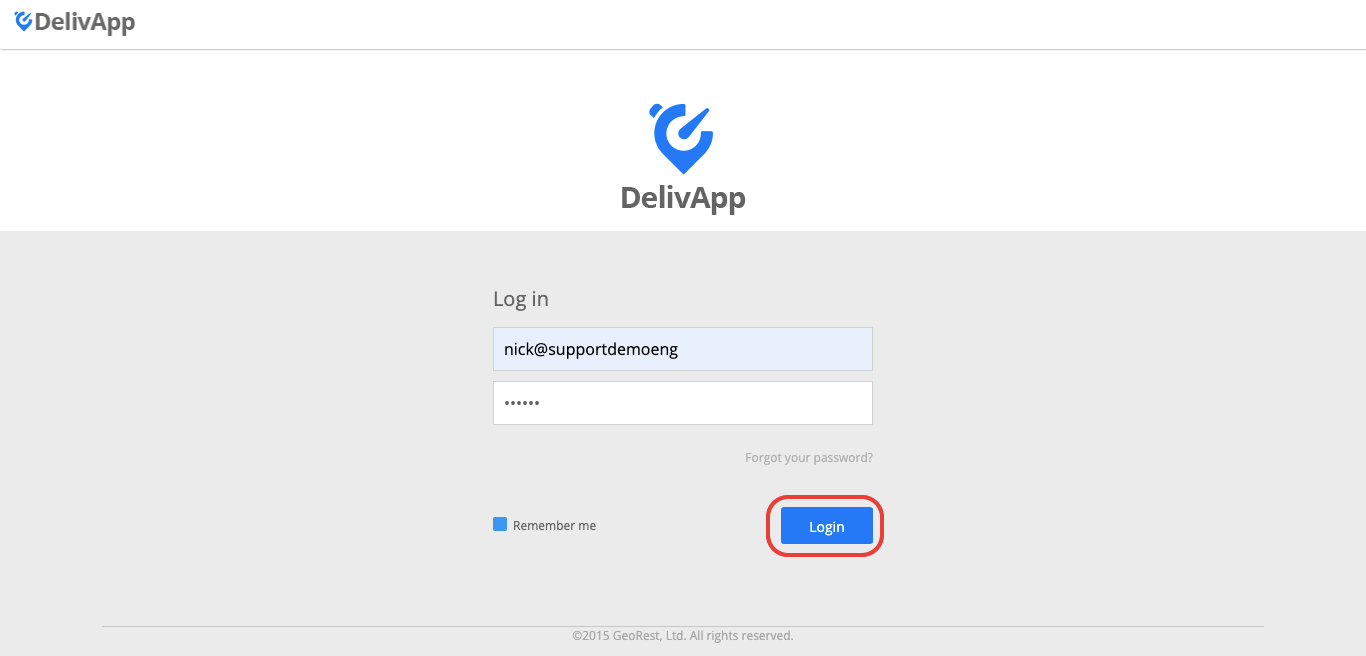
(screenshot 1)
Well done!
You are in the user's account page (screenshot 6).
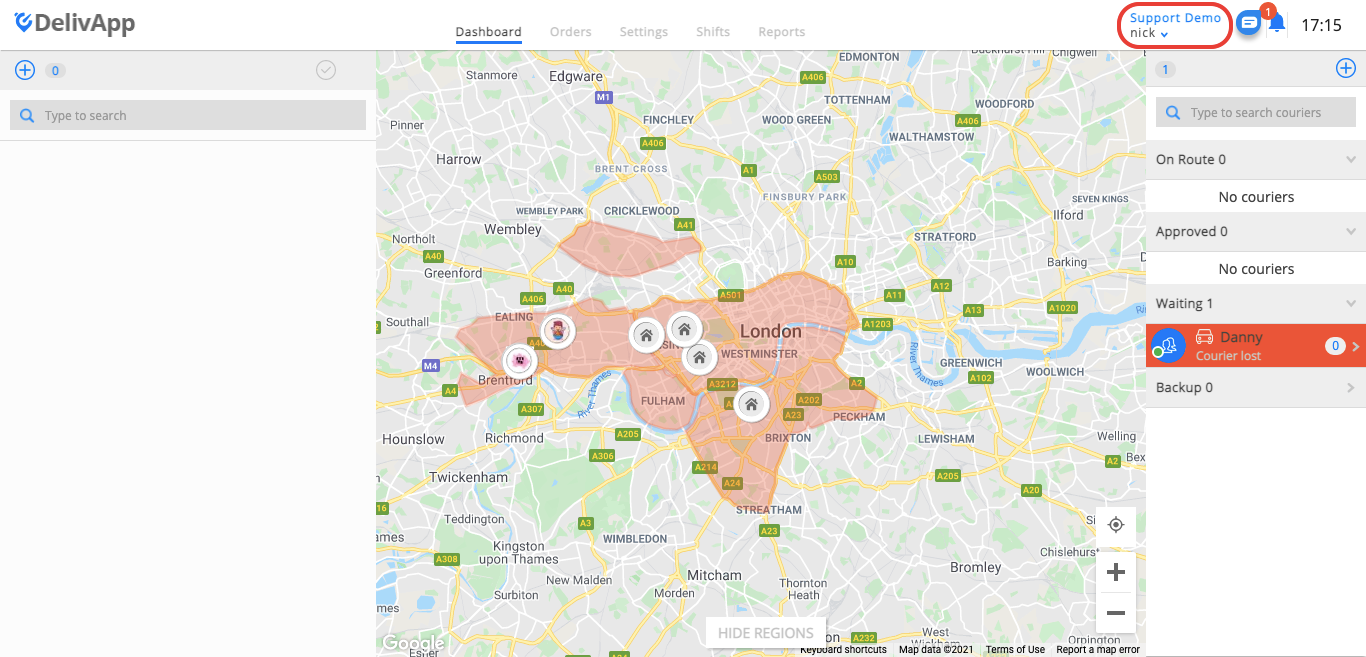
(screenshot 6)
From this page, a user can create orders and manage them via the portal.
Was this article helpful?